
How to Buy a VPS from GreenCloud
This post was translated from Chinese by AI. If anything reads oddly, the Chinese original is authoritative. 中文原文
This promotion has already ended. It only lasted 2 days, and I forgot to post an article on WeChat... If you're interested, join the TG group by searching for q58org. I'll announce similar promotions in the tg group next time. GreenCloud supports Alipay payments. Select "Alipay"; you can use a credit card.
1. Register an account
Registration link: https://greencloudvps.com/billing/aff.php?aff=6047
2. Choose a plan
After registering and logging in, open this link:
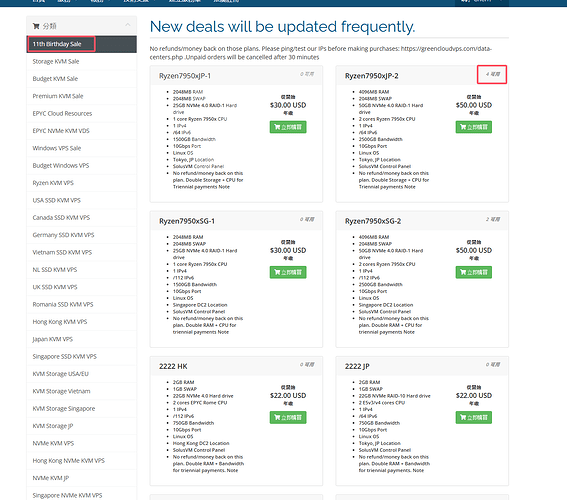
https://greencloudvps.com/billing/store/11th-birthday-sale
 image|567x500
The available categories are on the left. I generally only recommend buying promotional plans.
The remaining stock for each plan is shown in the top-right corner.
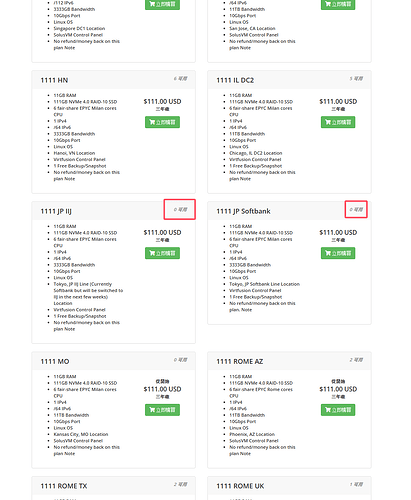
My previous review covered the VPS below.
 image|411x500
Stock is sometimes replenished, so you'll need to keep waiting and refreshing.
Comments 0