
Run a Browser on a Server with Docker to Avoid OpenAI and Claude Account Bans
This post was translated from Chinese by AI. If anything reads oddly, the Chinese original is authoritative. 中文原文
Updates are posted at: https://www.sunai.net/t/topic/37
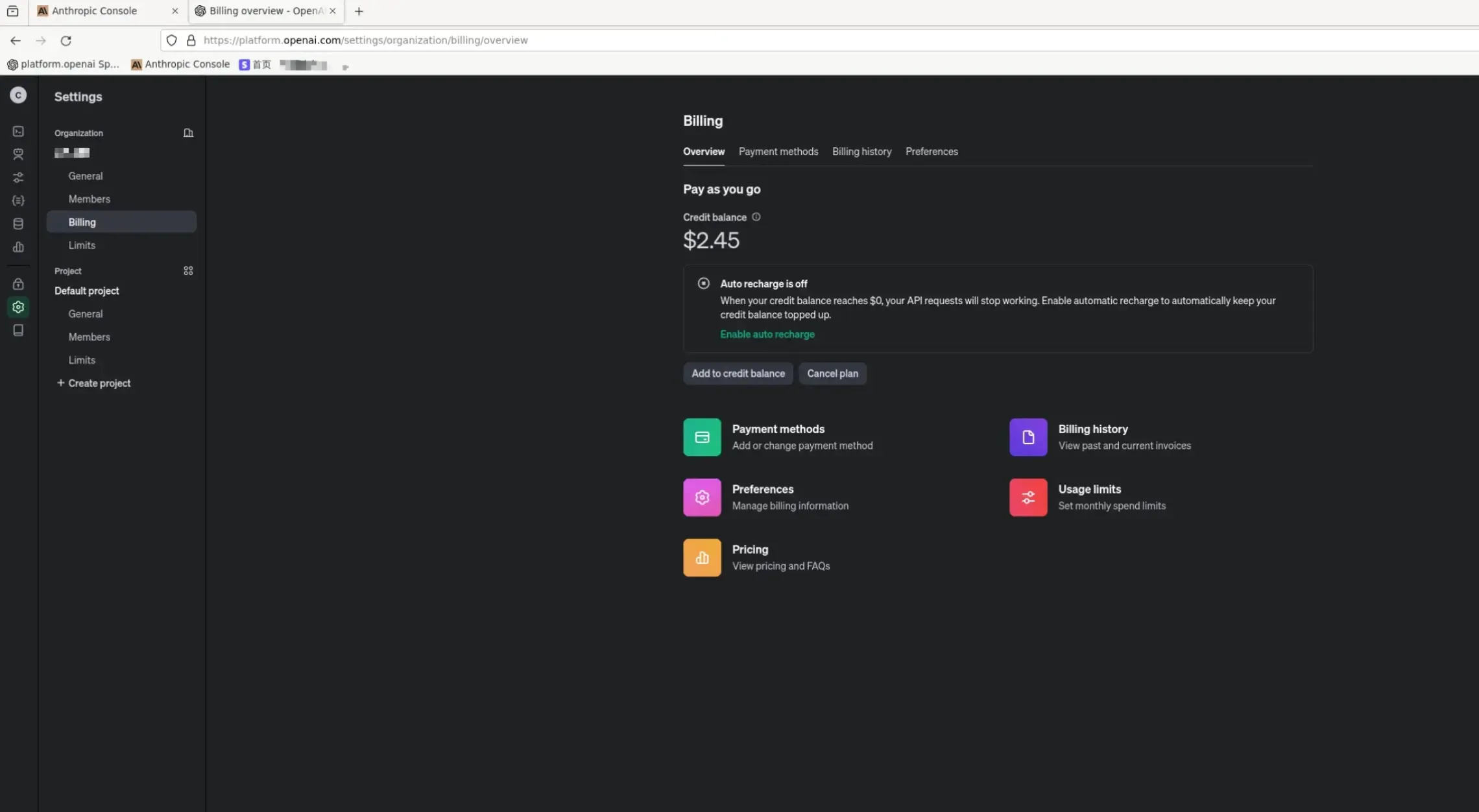
openai's account bans are getting out of hand. With a VPN, your IP address changes too frequently, and you might also get banned because of other VPN users.
So I thought, why not run a browser on a VPS? I only need to log in occasionally to top up my balance, link a card, and do some light usage.
This has a few advantages:
- A fixed IP address
- openai generally doesn't ban server IPs like this (at least mine has never been banned)
- Stability, stability, and more stability
Prerequisites
The VPS must use an X86 or arm architecture.
X86 Architecture
docker run -d \
  --name firefox \
  -e TZ=Asia/Singapore \
  -e DISPLAY_WIDTH=1920 \
  -e DISPLAY_HEIGHT=1080 \
  -e KEEP_APP_RUNNING=1 \
  -e ENABLE_CJK_FONT=1 \
  -e VNC_PASSWORD=wood666 \
  -p 5800:5800 \
  -p 5900:5900 \
  -v /data/firefox/config:/config:rw \
  --shm-size 2g \
  woodchen/firefox
Or
services:
  firefox:  # Define the service name, corresponding to the --name parameter in docker run
    image: woodchen/firefox  # Specify the Docker image to use
    container_name: firefox  # Container name
    environment:  # Set environment variables, equivalent to the -e parameter in docker run
      - TZ=Asia/Singapore  # Set the time zone
      - DISPLAY_WIDTH=1920  # Set the display width
      - DISPLAY_HEIGHT=1080  # Set the display height
      - KEEP_APP_RUNNING=1  # Keep the application running
      - ENABLE_CJK_FONT=1  # Enable Chinese fonts
      - VNC_PASSWORD=wood666  # Set the VNC password
    ports:  # Map ports, equivalent to the -p parameter in docker run
      - "5800:5800"  # Map port 5800
      - "5900:5900"  # Map port 5900
    volumes:  # Mount volumes, equivalent to the -v parameter in docker run
      - /data/firefox/config:/config:rw  # Mount the host's /data/firefox/config directory to the container's /config directory
    shm_size: 2g  # Set the shared memory size, equivalent to the --shm-size parameter in docker run
    deploy:  # Deployment configuration for Swarm mode
      mode: replicated  # Use replicated mode
      replicas: 1  # Set the number of replicas to 1
    restart: always  # Always restart the container
ARM Architecture
version: '3'
services:
  firefox:
    container_name: firefox
    image: woodchen/firefox
    ports:
      - "5800:5800"
    volumes:
      - "./config:/config:rw"
    environment:
      - TZ=Asia/Singapore
      - ENABLE_CJK_FONT=1                     #Prevent garbled Chinese text on pages
      - SECURE_CONNECTION=1 #https
      - VNC_PASSWORD=wood666       #Set the VNC access password to any value you like
How to Use
- Open port 5800 on the VPS
- Access it at
ip:5800 - The password is
wood666as set above; you can change it
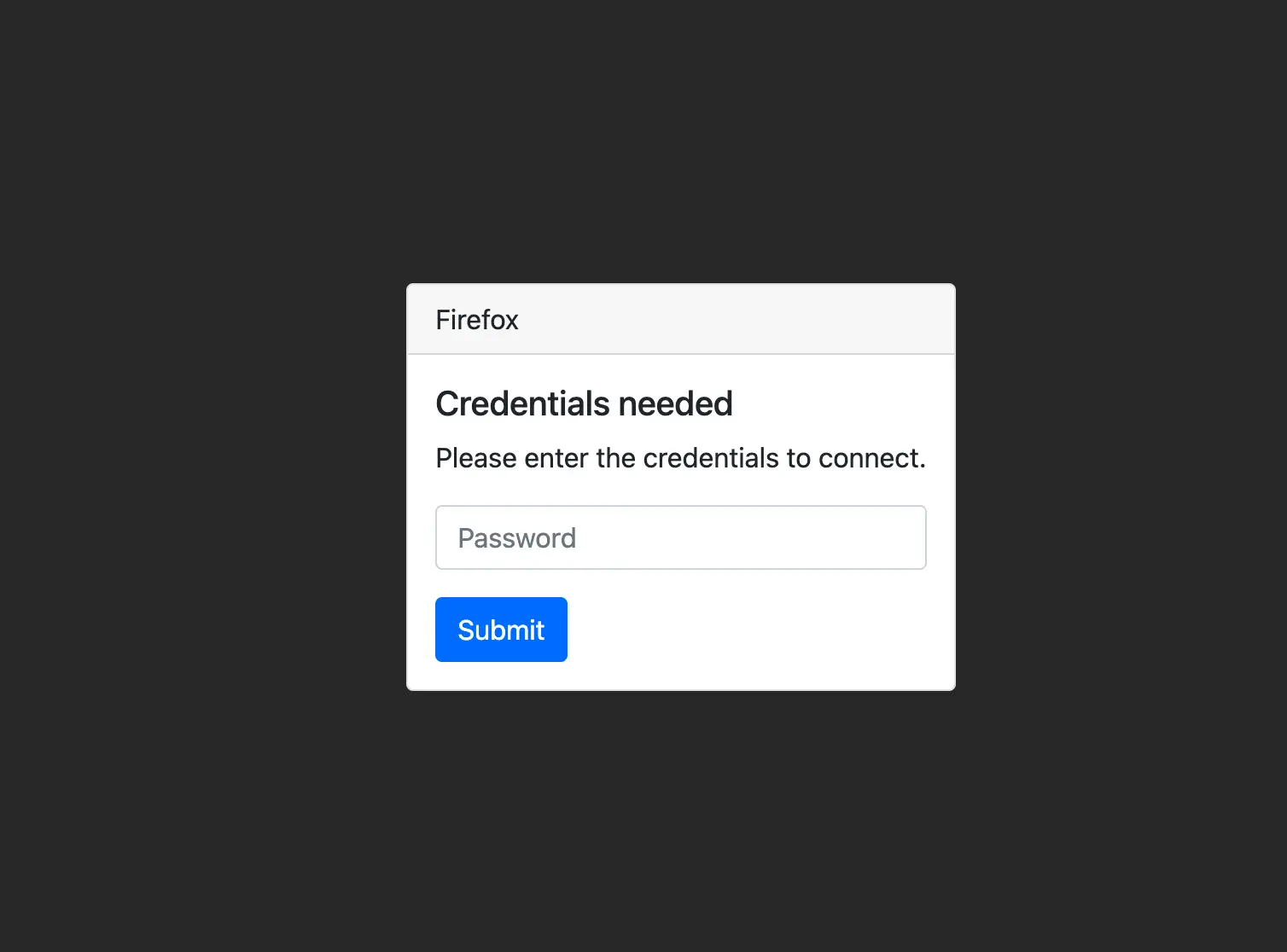
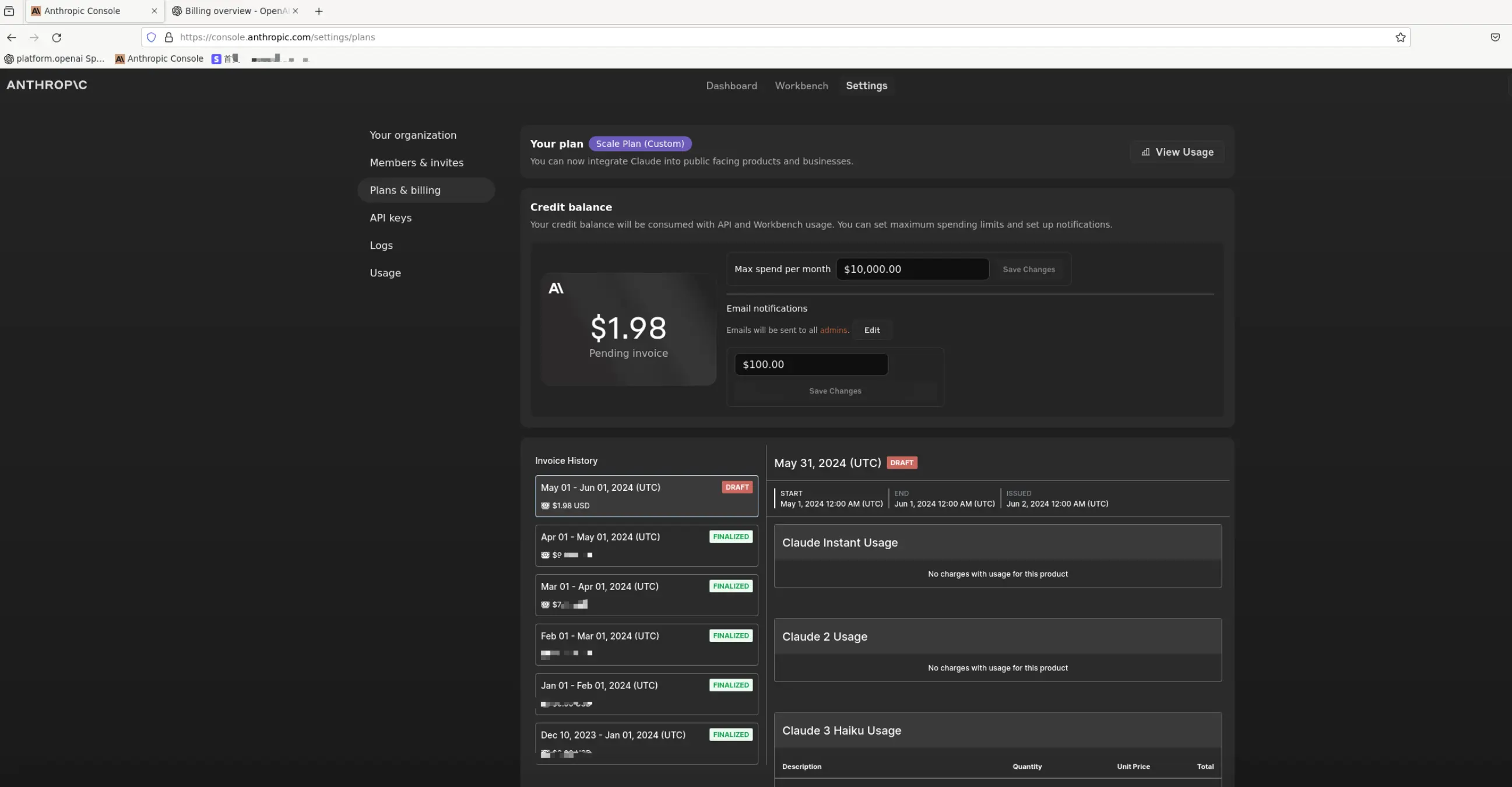
- Enter the password to access the browser
Last updated 2025-06-24
Comments 0