
How to Download the ChatGPT iOS App, with a Link to Buy a US-Region Apple ID
This post was translated from Chinese by AI. If anything reads oddly, the Chinese original is authoritative. 中文原文
To download the ChatGPT app, first sign in with a US-region Apple ID.
Requirements
- ios16 or later
- A US-region Apple account
Important Security Notice:
Please follow our tutorial strictly to sign in to the App Store, and sign out immediately after downloading. Never sign in to iCloud on your device with this account, as this could expose your personal data or cause your device to be locked. We cannot help you recover any losses
Never sign in through iCloud settings, as your device could be locked and held for ransom
If your device is locked, do not trust anyone claiming they can unlock it. Contact official Apple Support for help.
Tutorial: How to Sign In Only to the APP Store and Download
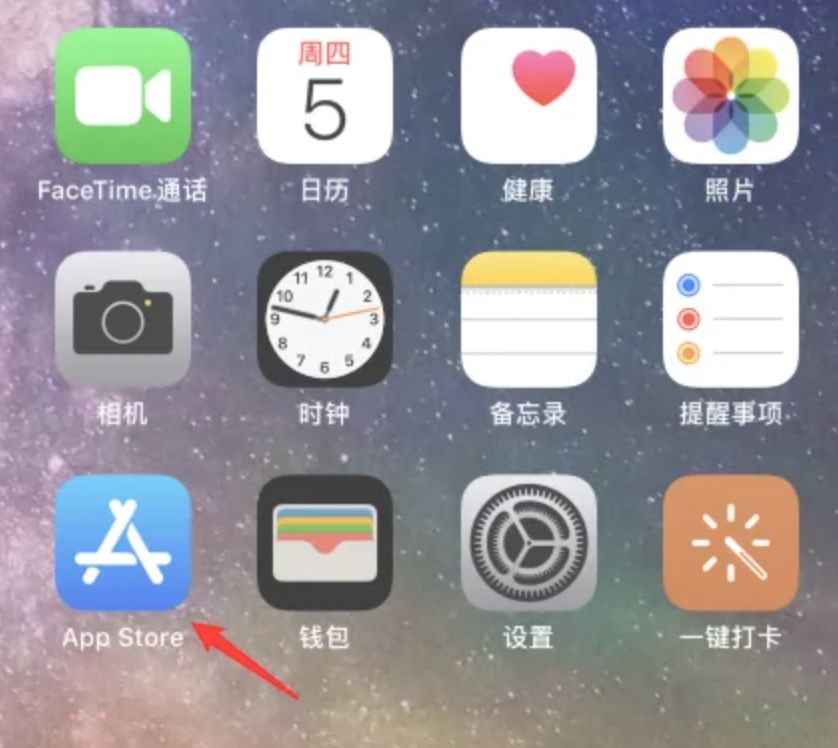
1. On your iPhone, tap the App Store app to open it.
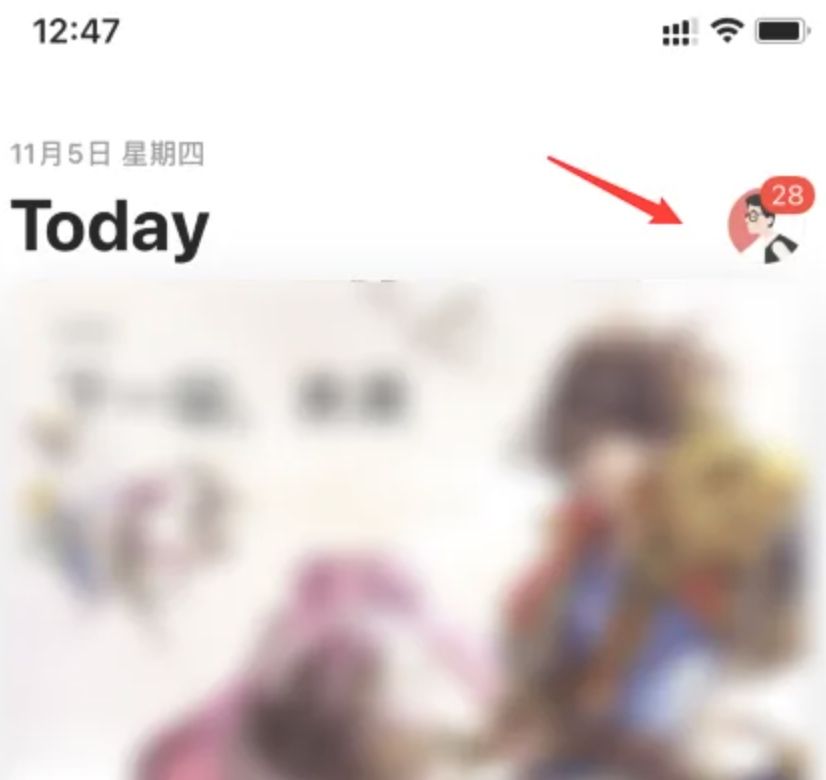
2. Tap your profile picture in the upper-right corner.
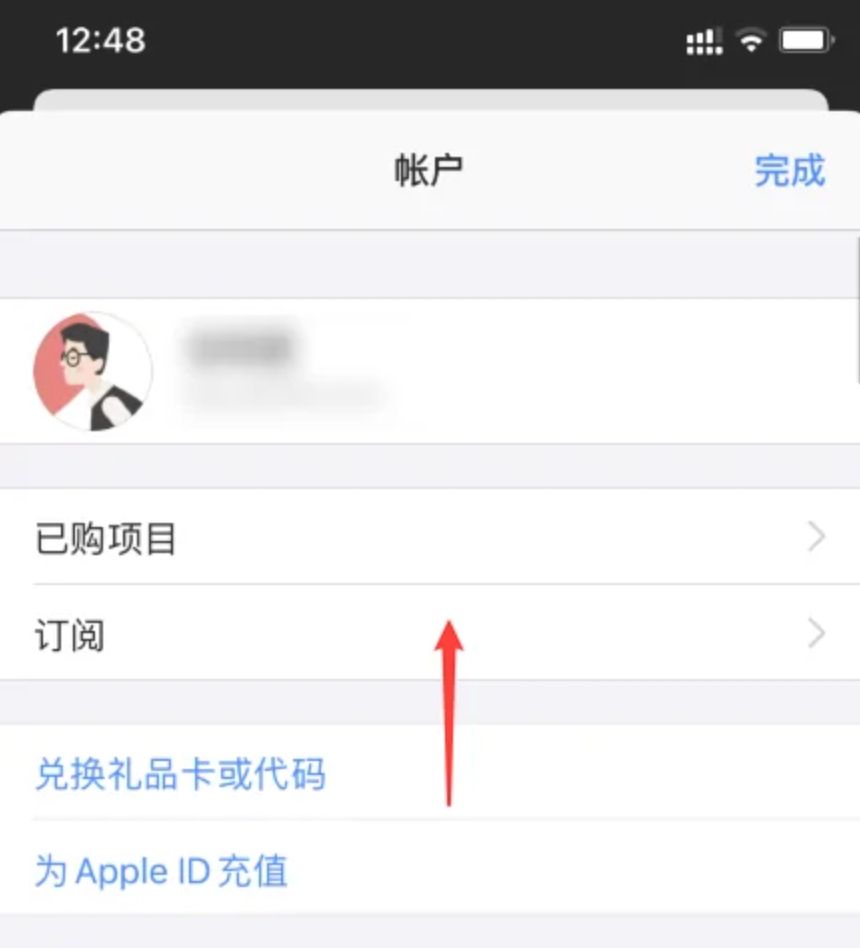
3. On the account screen, swipe up to scroll to the bottom.
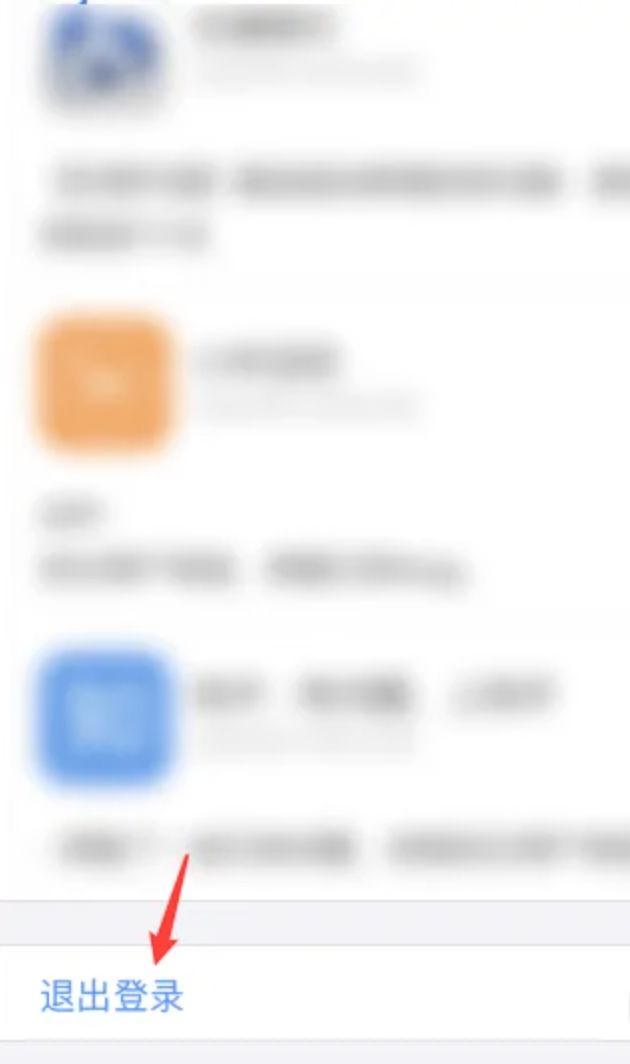
4. Tap Sign Out at the bottom.
5. After signing out, enter the apple ID you want to switch to and tap Sign In.
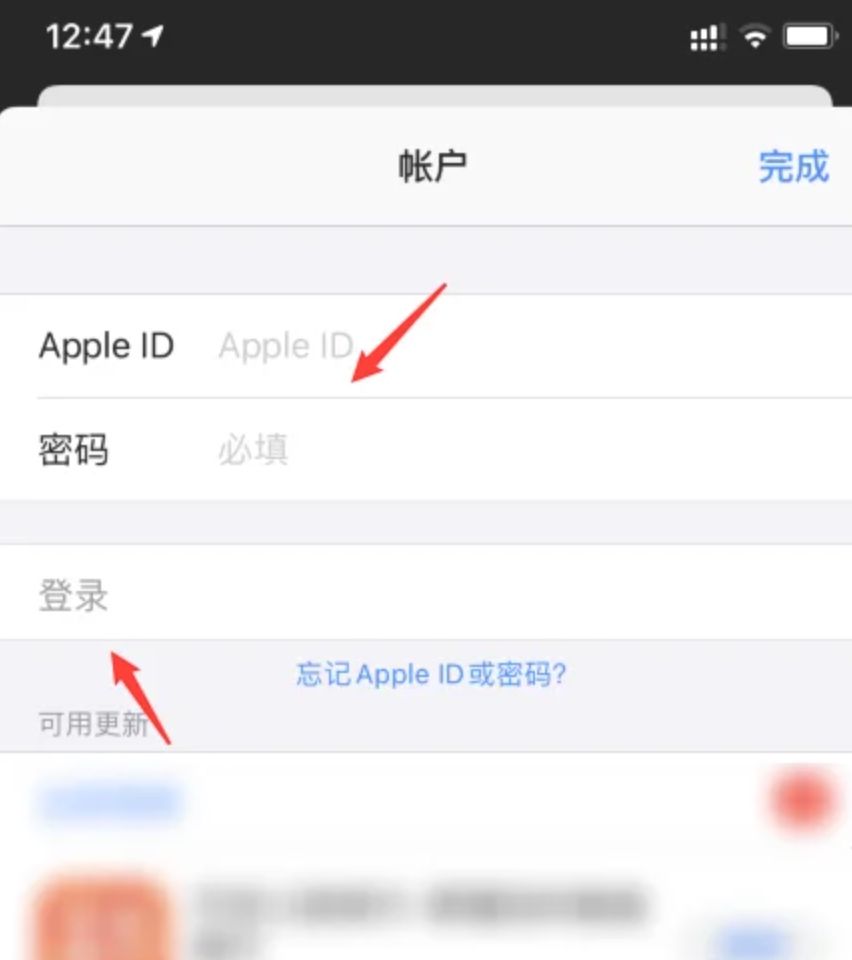
6. Sign in with the account you purchased, then search for ChatGPT to download it
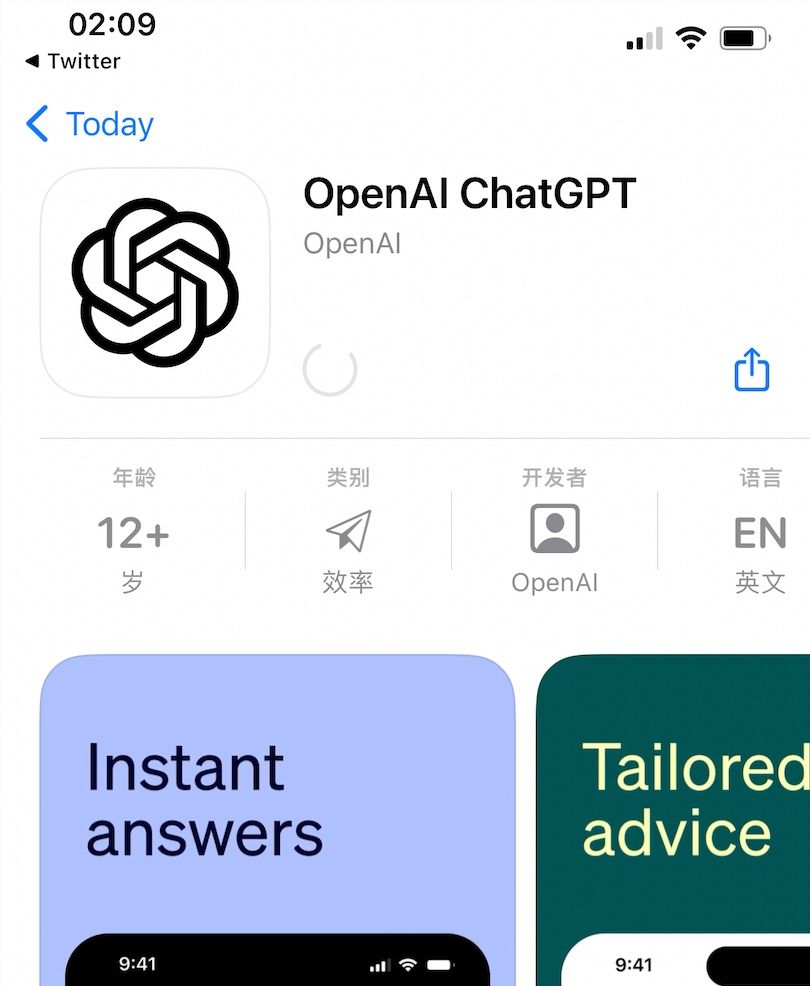
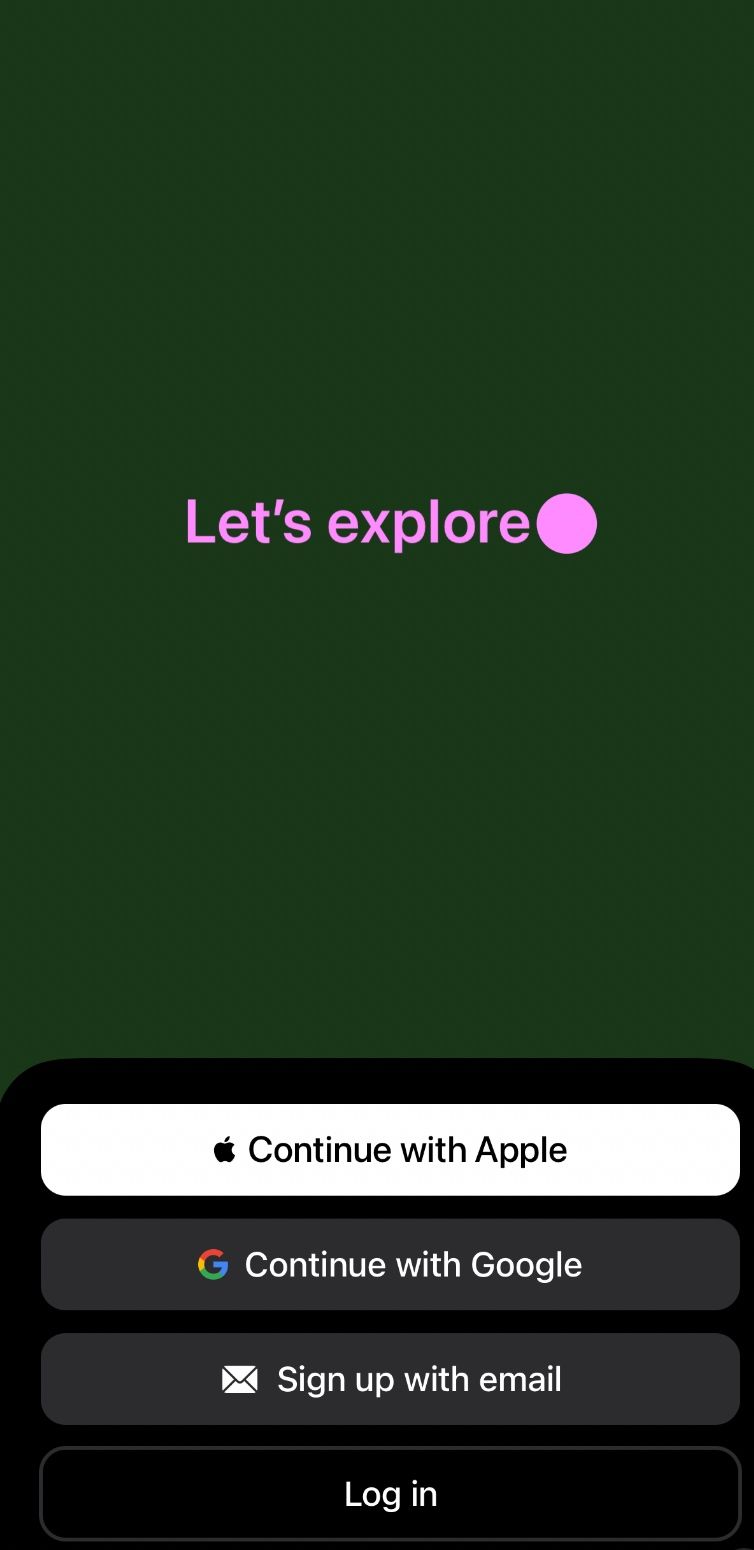
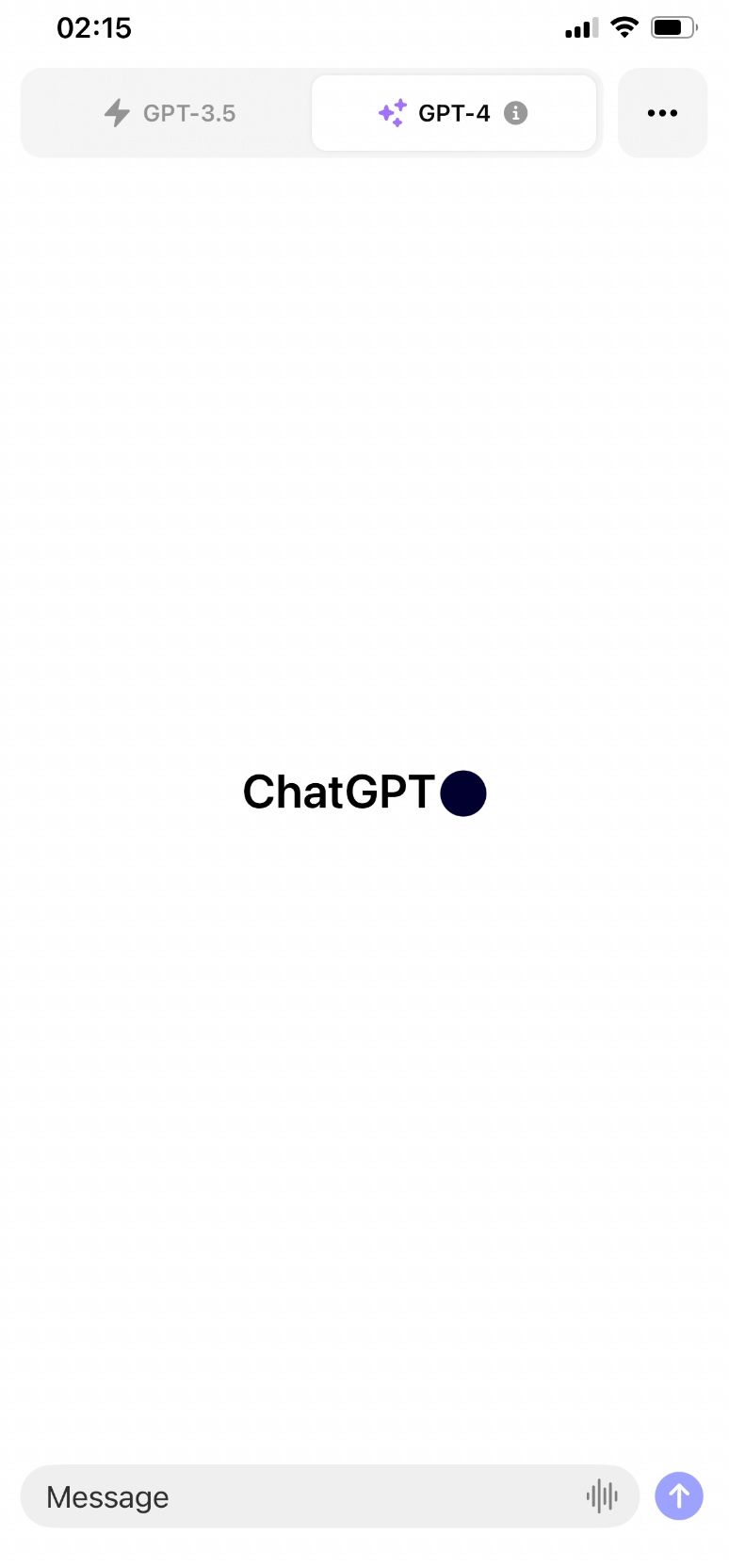
7. After downloading, you still need to connect through a US VPN or proxy server to sign in, but a server in any region will work when using the app
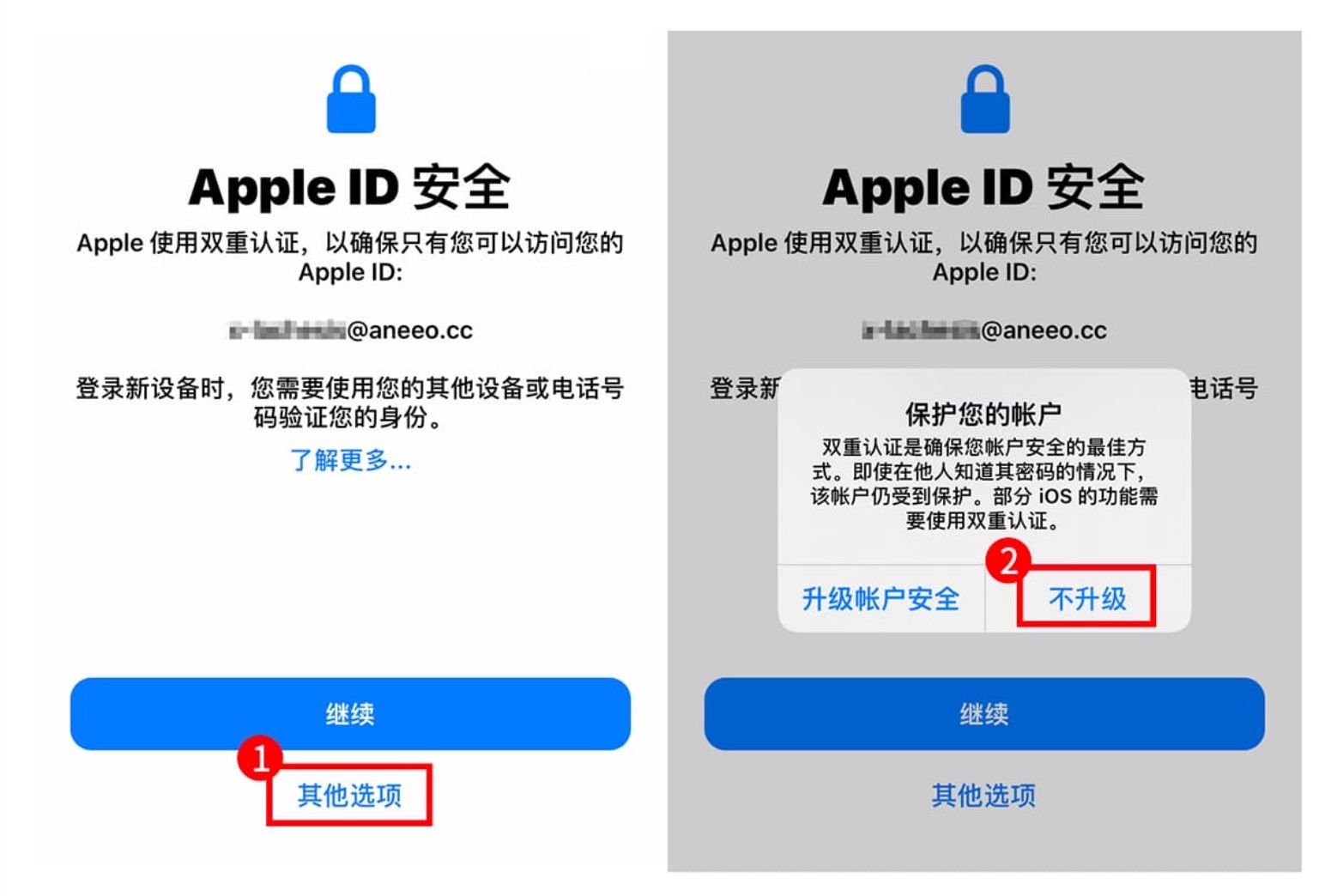
How to Skip Linking a Phone Number When Signing In with a Purchased Apple ID (Without Enabling Two-Factor Authentication)
How to Skip This on iOS
On iOS12 and later, signing in with an account that does not have two-factor authentication enabled will also bring up the [Apple ID Security] dialog. Just as on the official website, tap [Other Options], then tap [Don’t Upgrade]
Last updated 2025-03-25
Comments 0