
Proxy Microsoft Clarity to Avoid Ad Blockers
This post was translated from Chinese by AI. If anything reads oddly, the Chinese original is authoritative. 中文原文
https://github.com/woodchen-ink/microsoft-clarity-proxy
Deploy with Docker, then reverse proxy /ms on your own domain to the container
Deploy a Docker container following the README, then configure your own domain to reverse proxy /ms to the container's exposed port
https://github.com/woodchen-ink/microsoft-clarity-proxy/blob/main/README.md
Then add the script to your web page. Just replace src in the official template with t.src="https://反代域名/ms/t.js?id="+ i; and you're done.
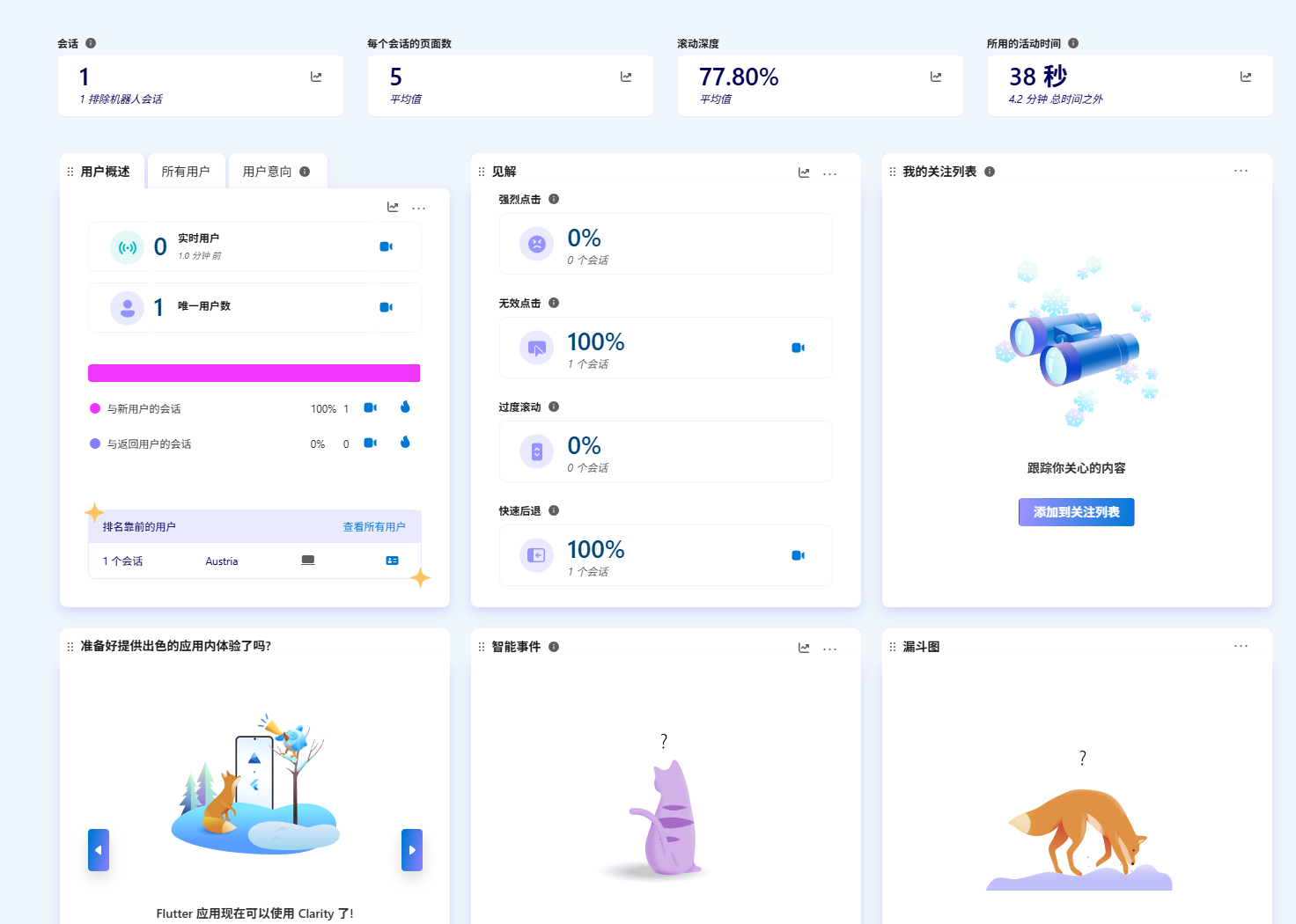
Usage
NEXTJS
<Script
          id="clarity-analytics"
          strategy="afterInteractive"
          dangerouslySetInnerHTML={{
            __html: `
              (function(c,l,a,r,i,t,y){
                c[a] = c[a] || function () { (c[a].q = c[a].q || []).push(arguments) };
                t=l.createElement(r);t.async=1;t.src="https://你的域名/ms/t.js?id="+ i;
                y=l.getElementsByTagName(r)[0];y.parentNode.insertBefore(t,y);
              })(window, document, "clarity", "script", "你的tag");
            `,
          }}
        />
HTML
<script type="text/javascript">
    (function(c,l,a,r,i,t,y){
        c[a]=c[a]||function(){(c[a].q=c[a].q||[]).push(arguments)};
        t=l.createElement(r);t.async=1;t.src="https://你的域名/ms/t.js?id="+i;
        y=l.getElementsByTagName(r)[0];y.parentNode.insertBefore(t,y);
    })(window, document, "clarity", "script", "你的tag");
</script>
Comments 0