
Can't Subscribe to Google One for Gemini or Join a Google One Family Group: Region Mismatch
This post was translated from Chinese by AI. If anything reads oddly, the Chinese original is authoritative. 中文原文
Source: https://www.sunai.net/t/topic/1151
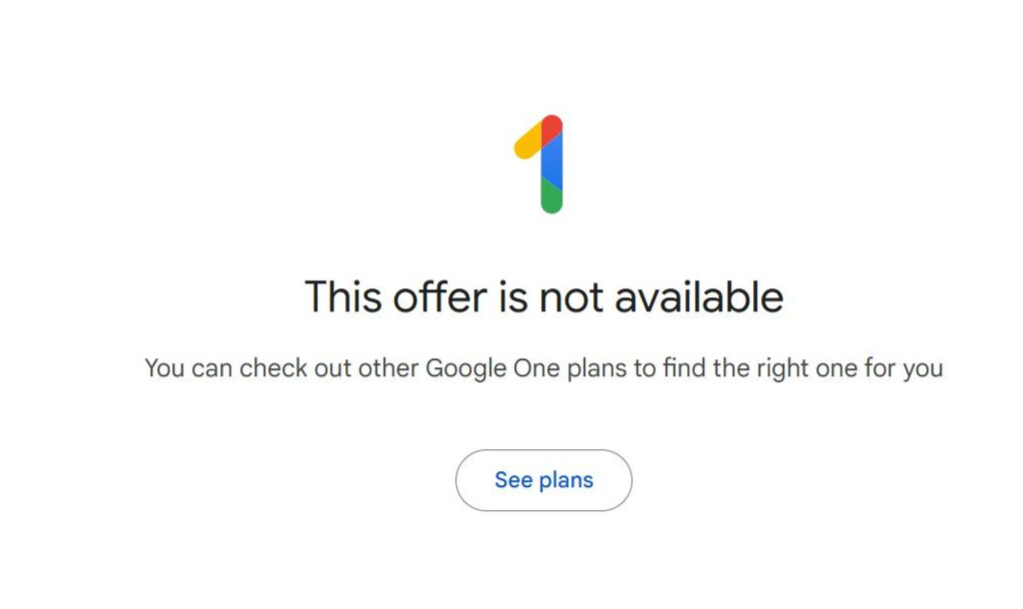
This covers what to check when troubleshooting. Please search for or work out the specific fixes yourself, as I can't document every detail.
Troubleshooting Steps
1. Check whether your network is in a supported region
2. Disable GPS permissions on this device
3. Disable your payment method or use a US payment profile
4. Make sure your Google personal information shows you are over 18
5. Change your google pay payment profile to a US profile, or close it
6. Change your google play store region. This requires an Android phone. If, like me, you don't have one, download an Android emulator on your computer, sign in, and change it.
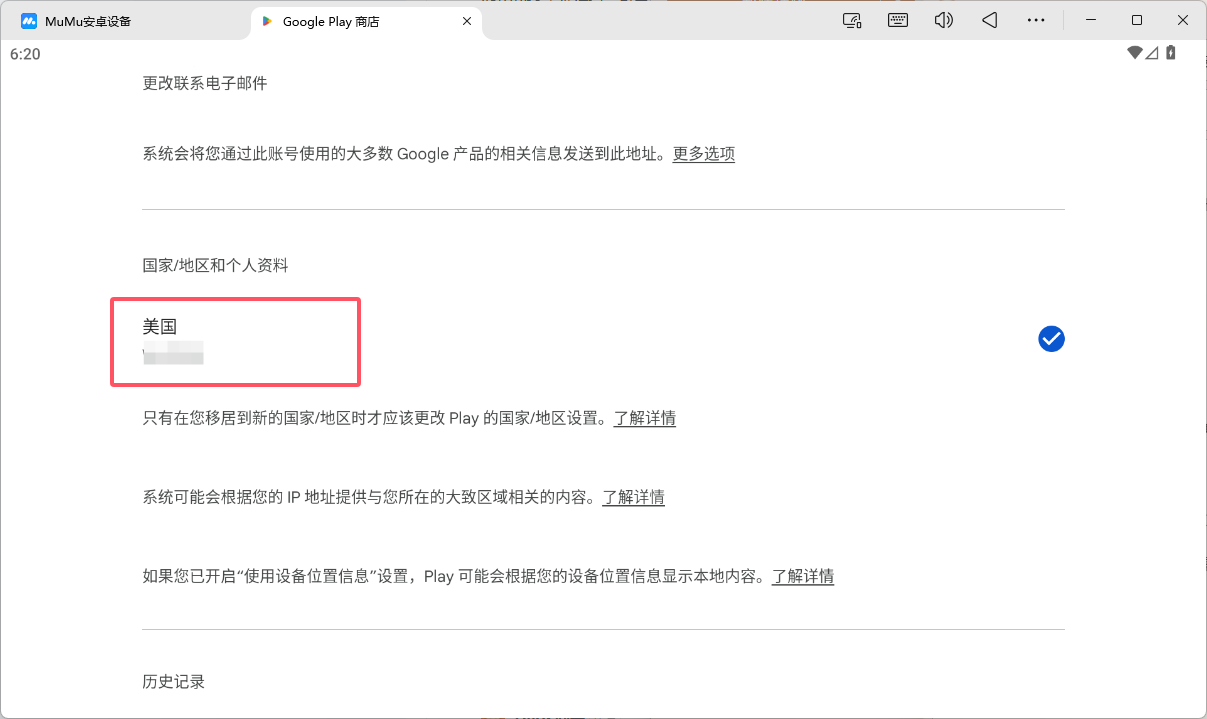
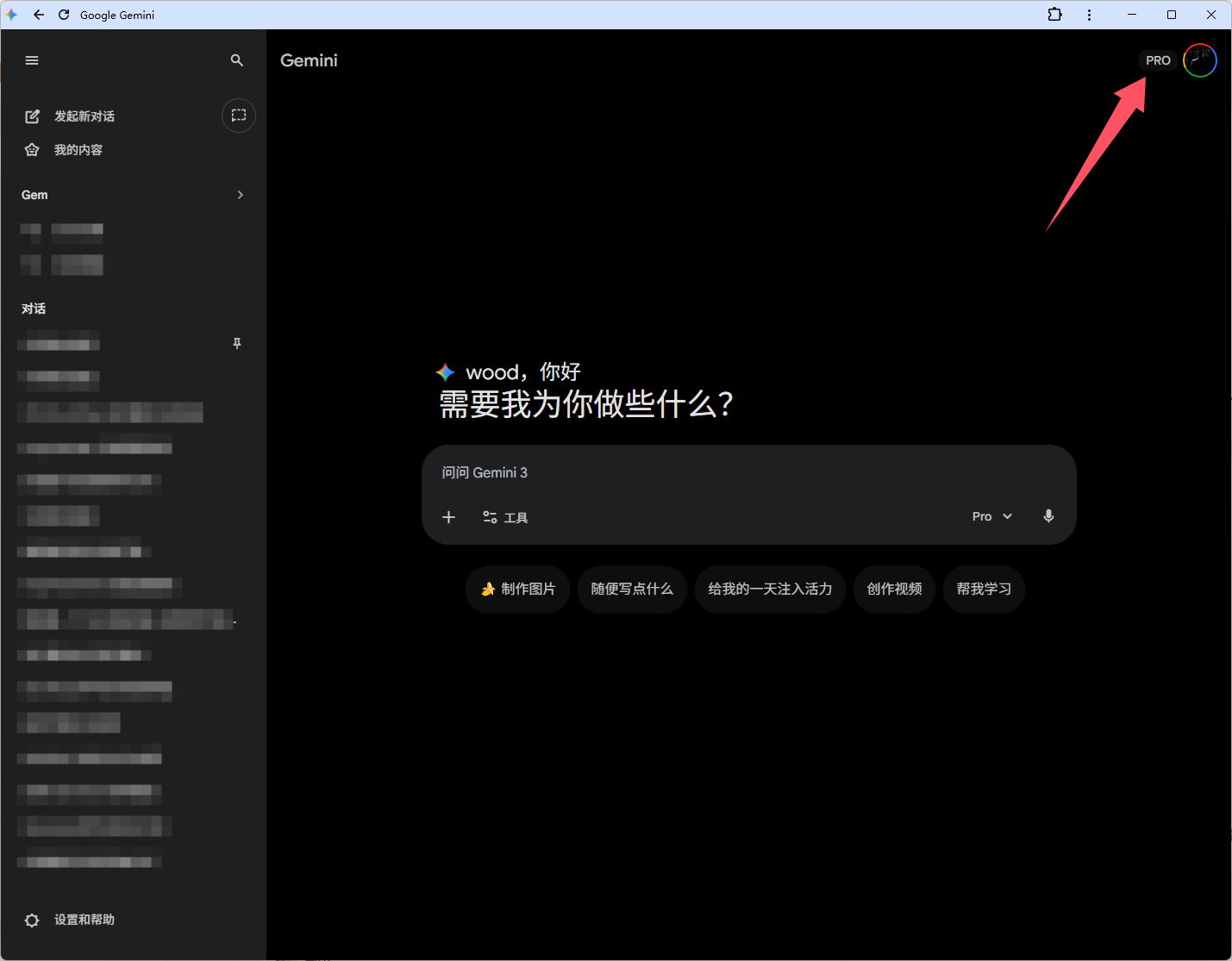
I tried all sorts of methods without success, then finally realized that step six was the blocker. Once I made that change, I could join the family group. I hope everyone gets this sorted out smoothly.
Comments 0