
Palworld Server Management Tool: Watchdog, Configuration, Server Commands, Player, Host, and Save Management—all in One Place
This post was translated from Chinese by AI. If anything reads oddly, the Chinese original is authoritative. 中文原文
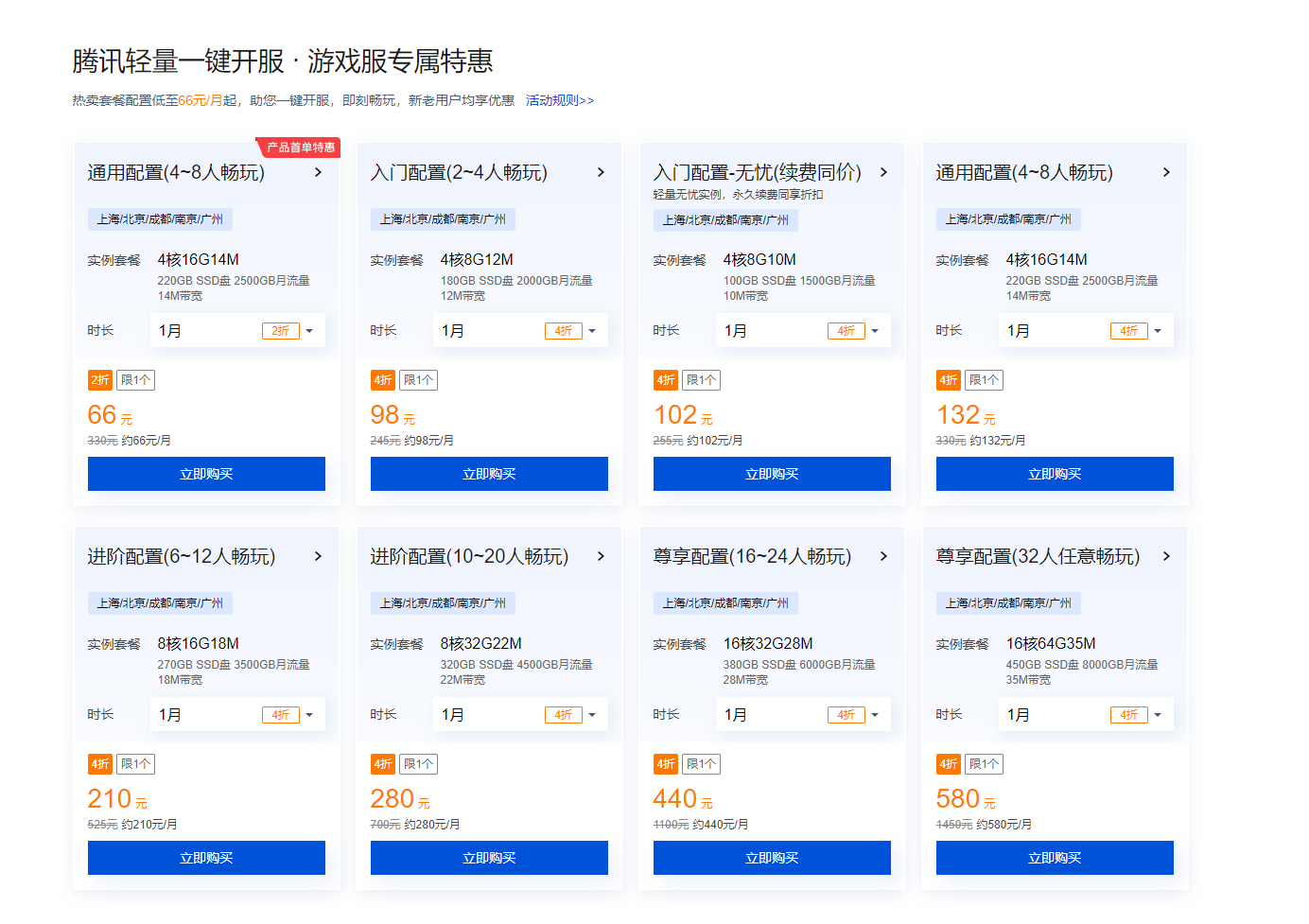
First, a quick ad: Tencent Cloud's dedicated Palworld server deal: https://curl.qcloud.com/uLCNpnXB. Great value.
Why I Recommend It
Low resource usage, plenty of features, and web-based management (you can expose the management port and do everything from your phone, so no more getting woken up by friends calling to ask you to turn on your computer—though I'll still wake up, haha).
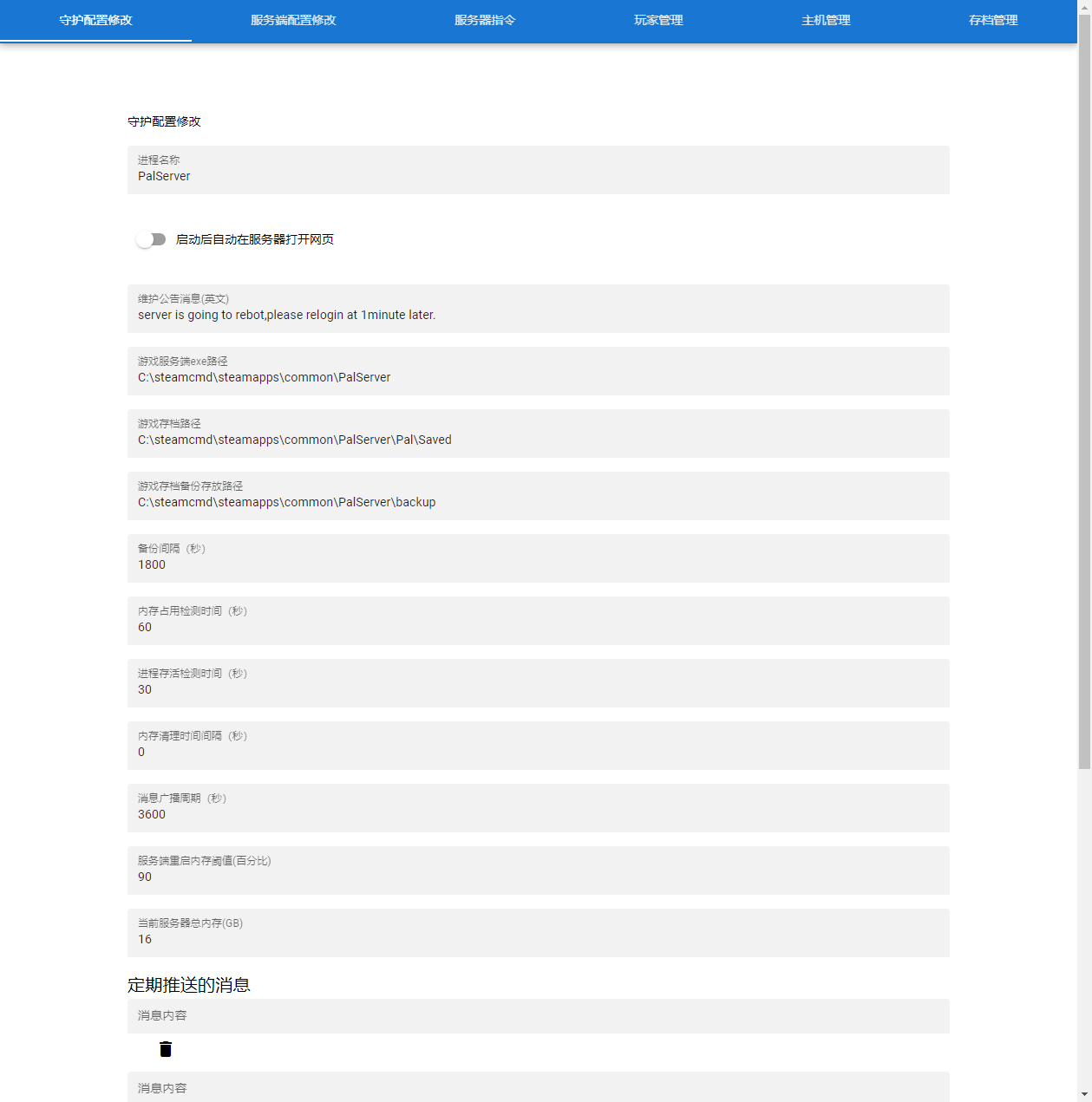
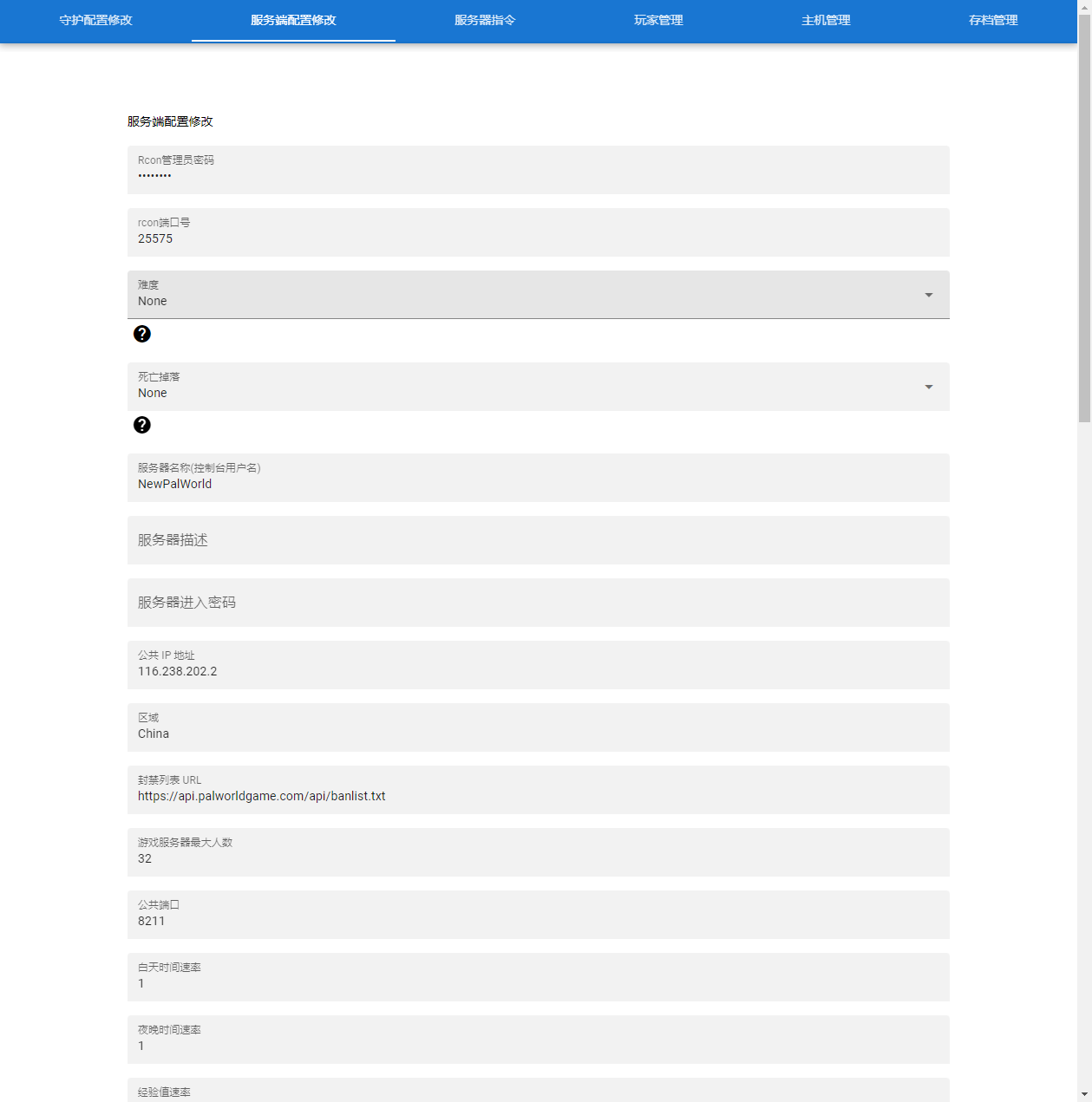
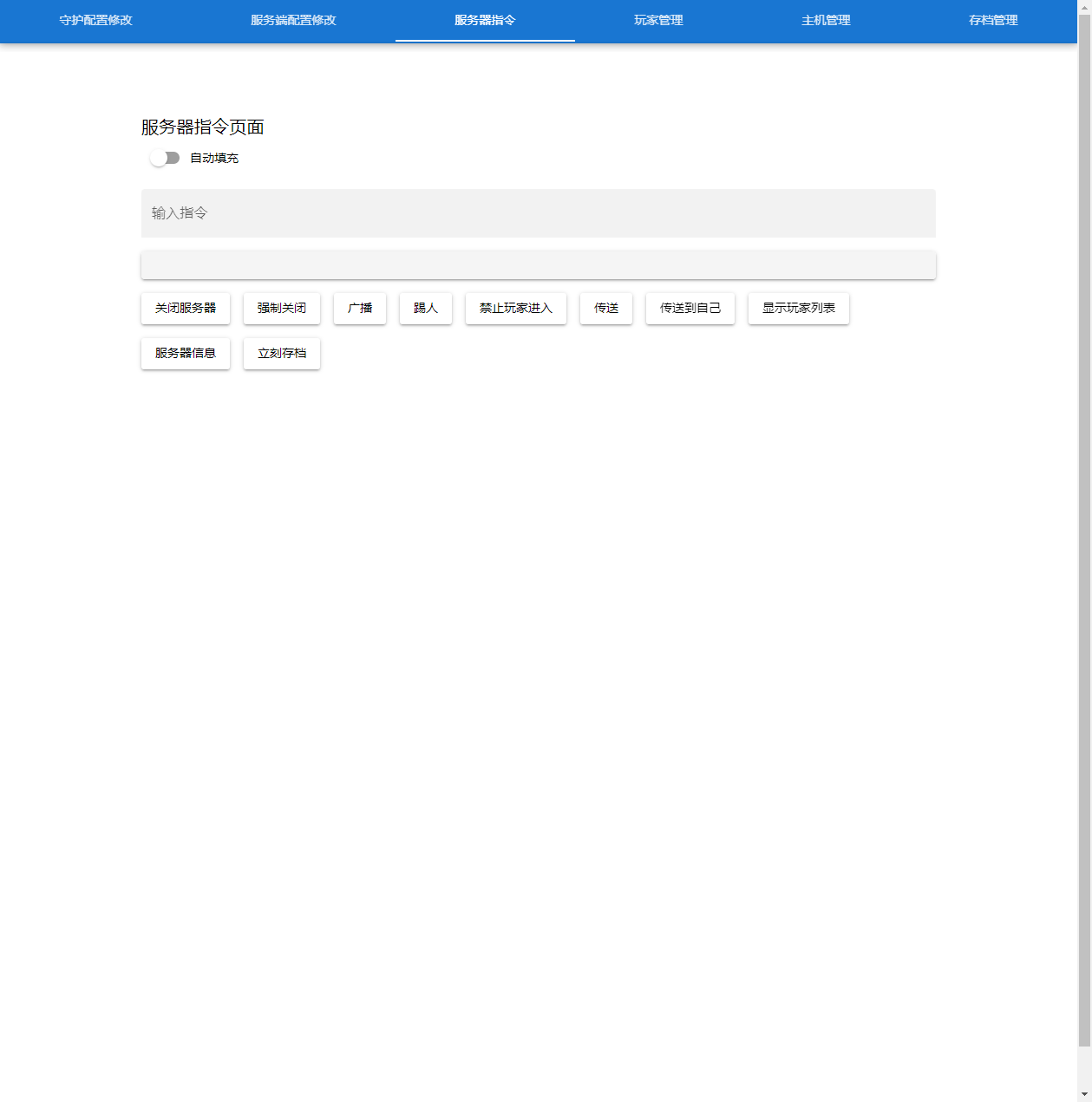
Screenshots
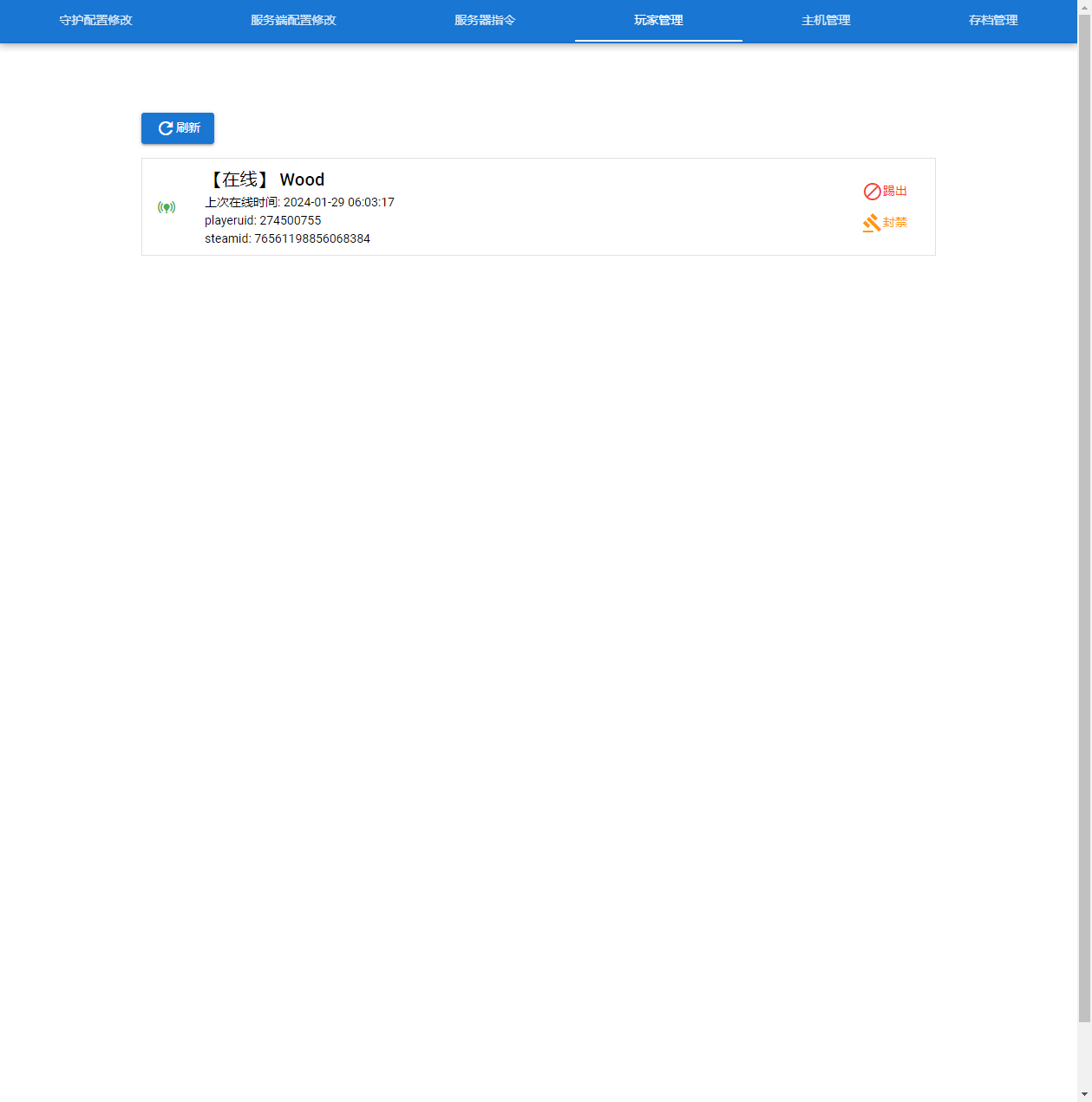
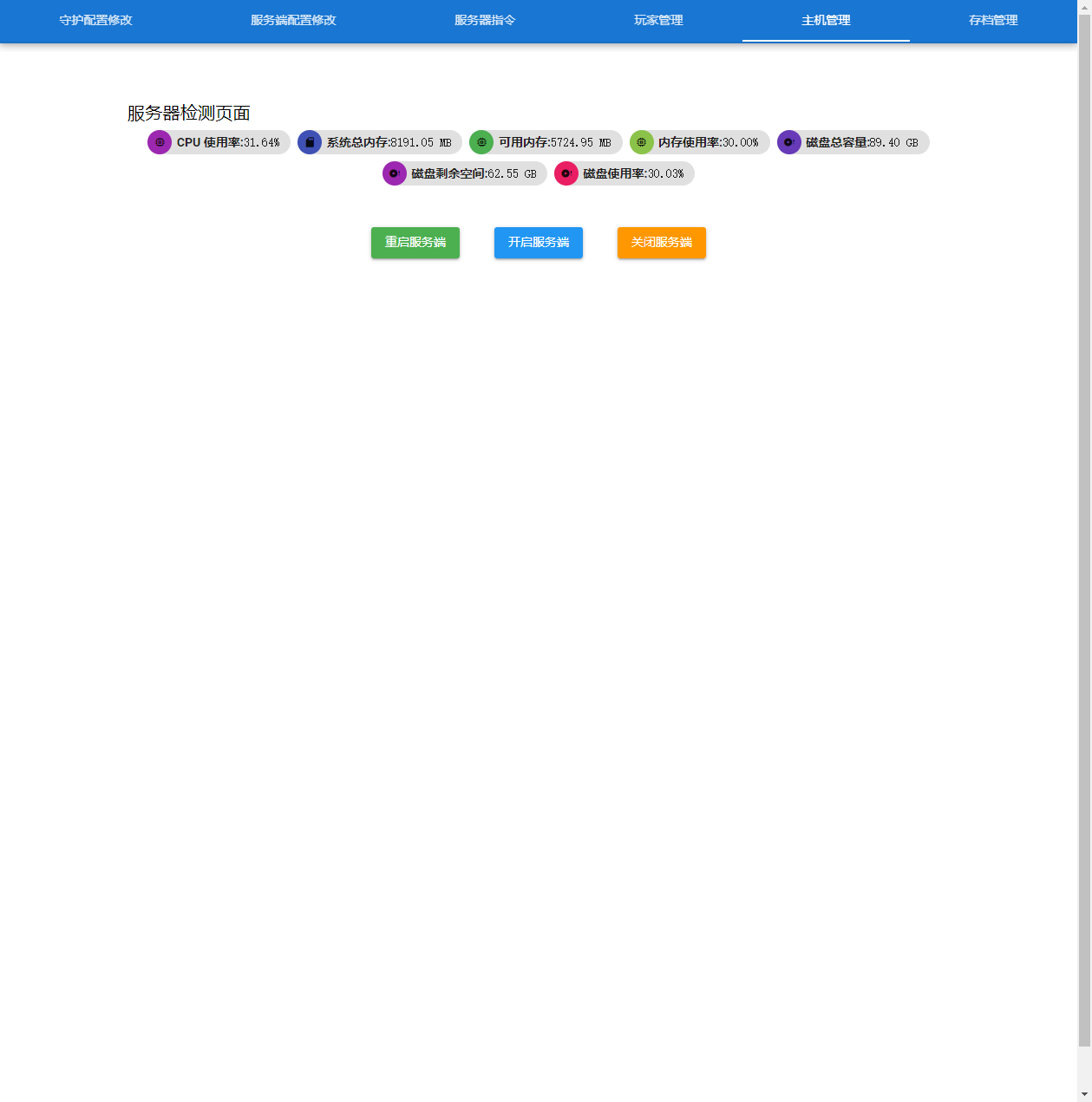
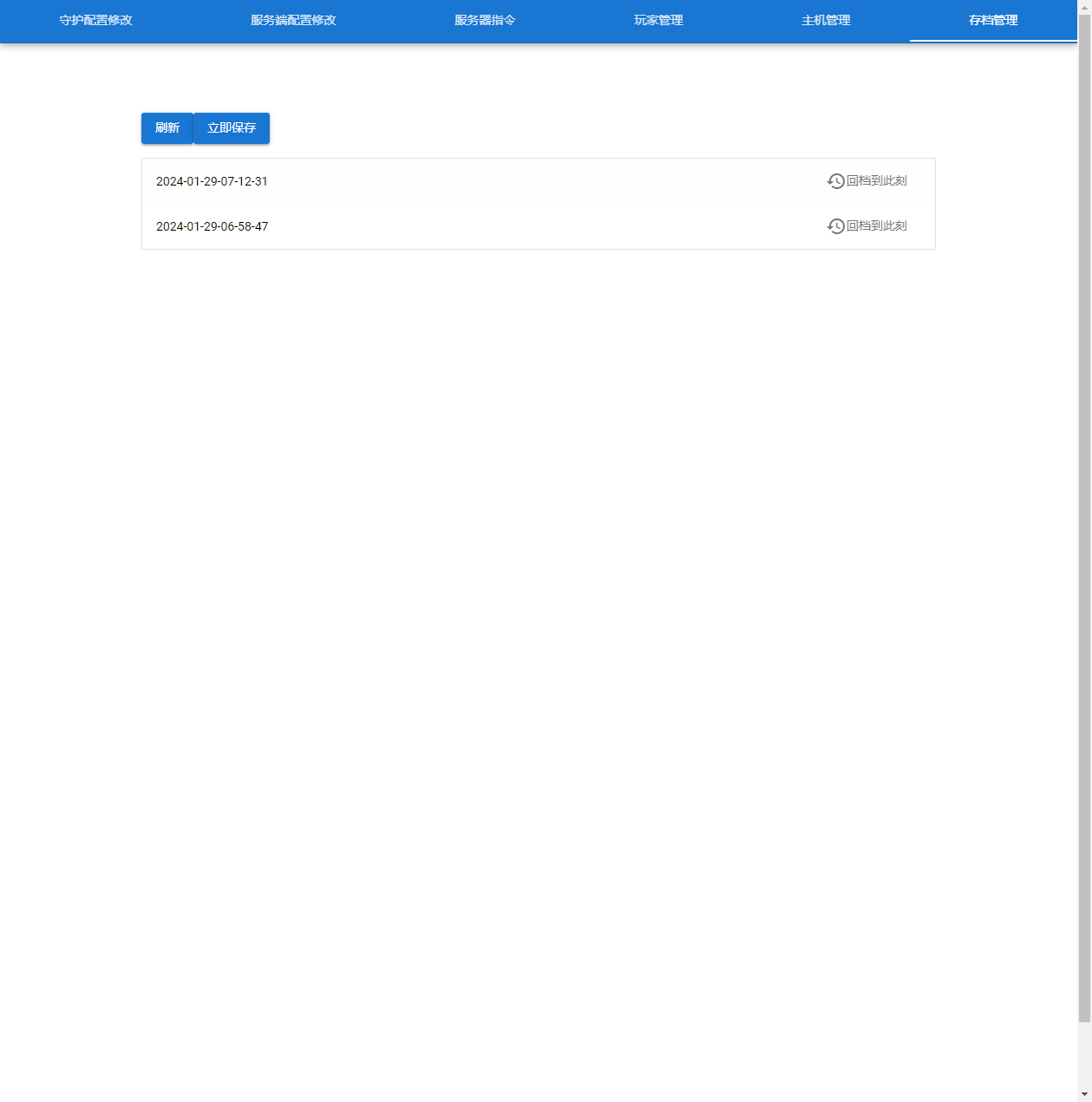
Files
Repository: https://github.com/woodchen-ink/palworld-go
Optimized from the original repository: https://github.com/Hoshinonyaruko/palworld-go
Supports linux and darwin, with x85 and arm support. Download other versions from https://github.com/woodchen-ink/palworld-go/releases
Download files for users in China are in the group announcement document
Usage
- Place this exe file in your PalServer directory
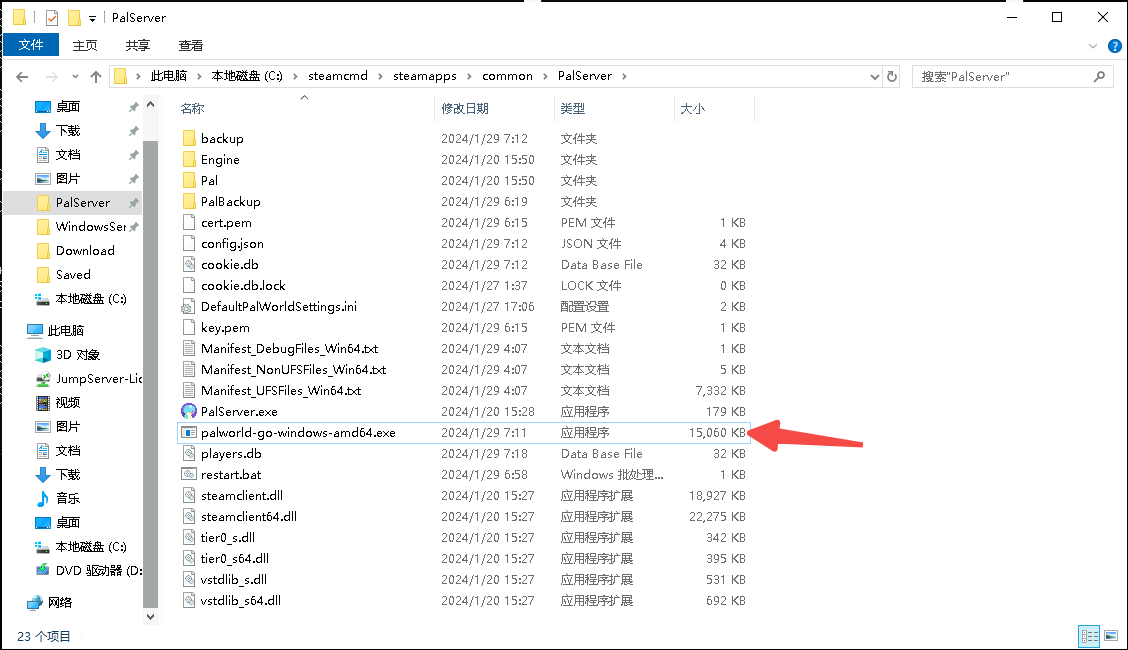
- Double-click to run
Additional Notes
- To change the web interface port, edit the port in config.json, which is generated in the current directory after the first run, then run it again
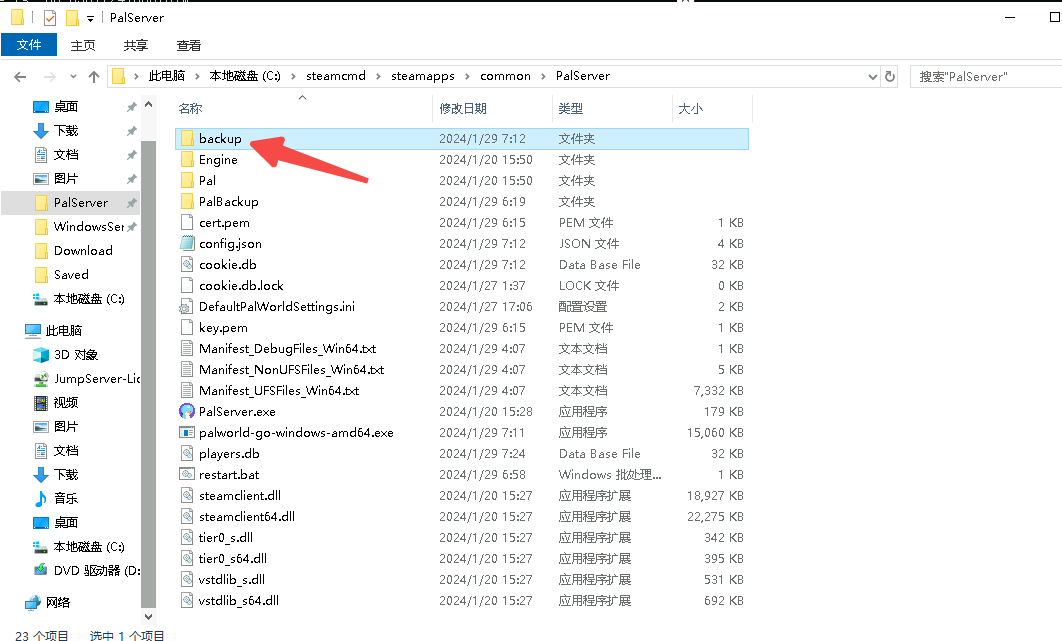
- Backups are stored in the
backupdirectory under the current directory. You can customize the directory, but it must be under the current directory (PalServer)
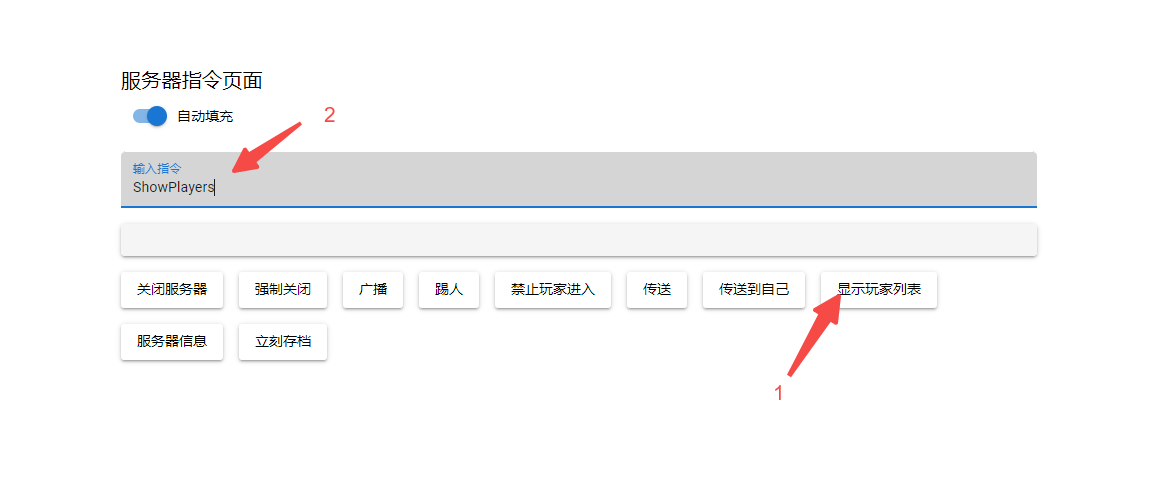
- How to use server commands: 1. Select a command 2. Fill in the command 3. Press Enter to run
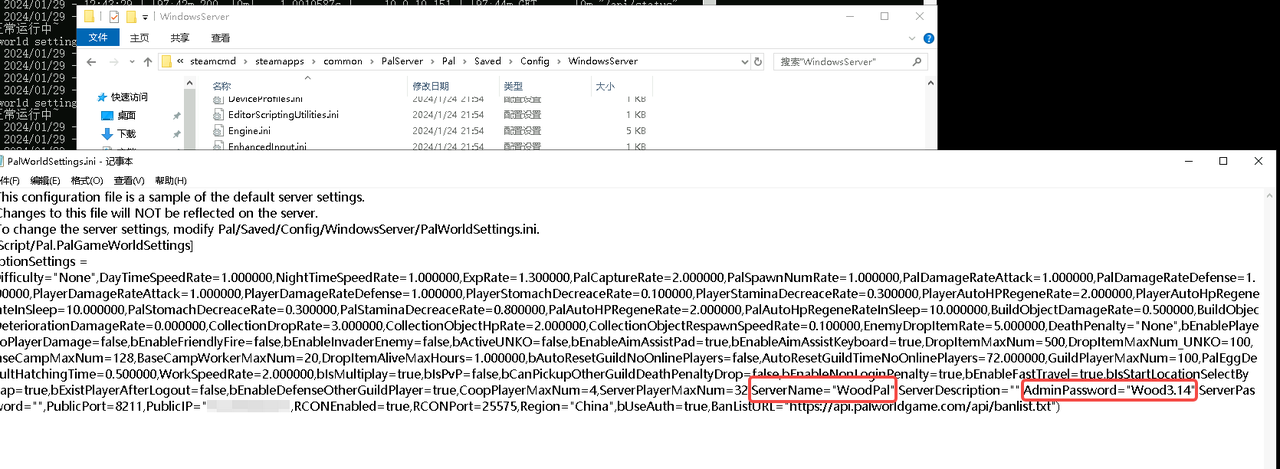
- You can add custom server startup parameters
| Parameter | Description |
|---|---|
| EpicApp=PalServer | Enable a community server |
| -publicip=Your IP | Manually set the server IP (has no effect on non-community servers) |
| -publicport=8211 | Manually set the server port (has no effect on non-community servers, and currently has no effect due to an official bug) |
| -players=32 | Maximum number of players allowed on the server; overrides the ini setting |
| -useperfthreads-NoAsyncLoadingThread-UseMultithreadForDS | Server thread optimization; already built in, so no need to add it again |
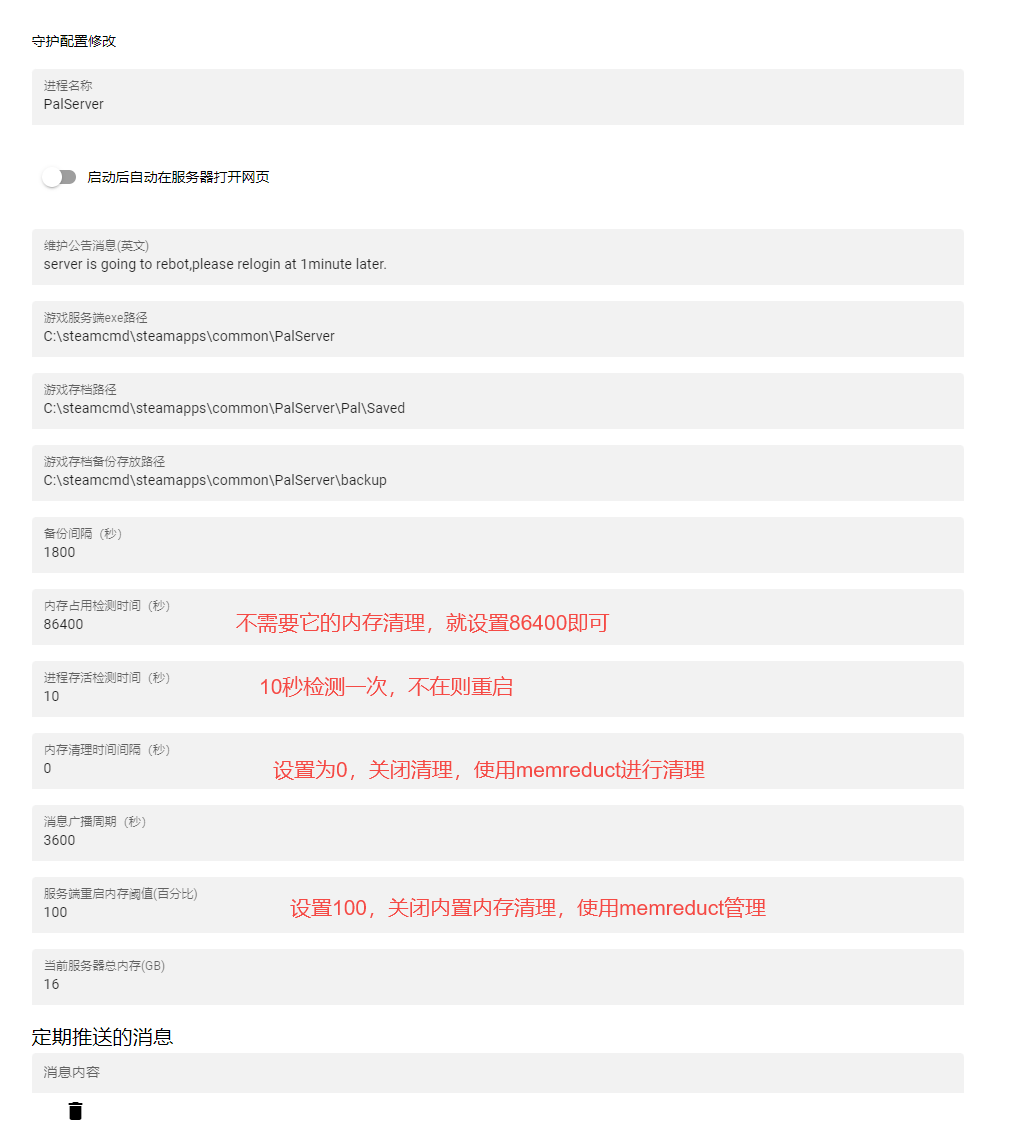
- Recommended settings
Community
Click the link to join the QQ channel 【Palworld PalWorld】: https://pd.qq.com/s/cfoglmfwc
Last updated 2025-06-24
Comments 0