
Xpipe: A Cross-Platform Connection Hub for SSH, RDP, and More with Sync
This post was translated from Chinese by AI. If anything reads oddly, the Chinese original is authoritative. 中文原文
https://github.com/xpipe-io/xpipe
Introduction to XPipe
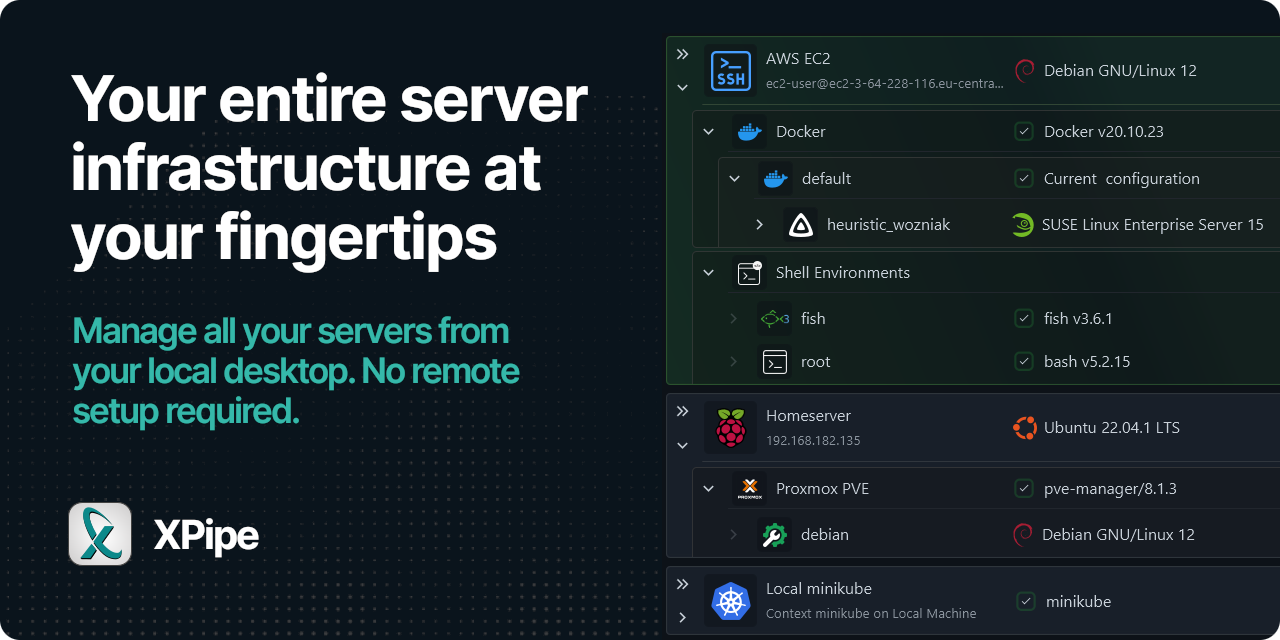
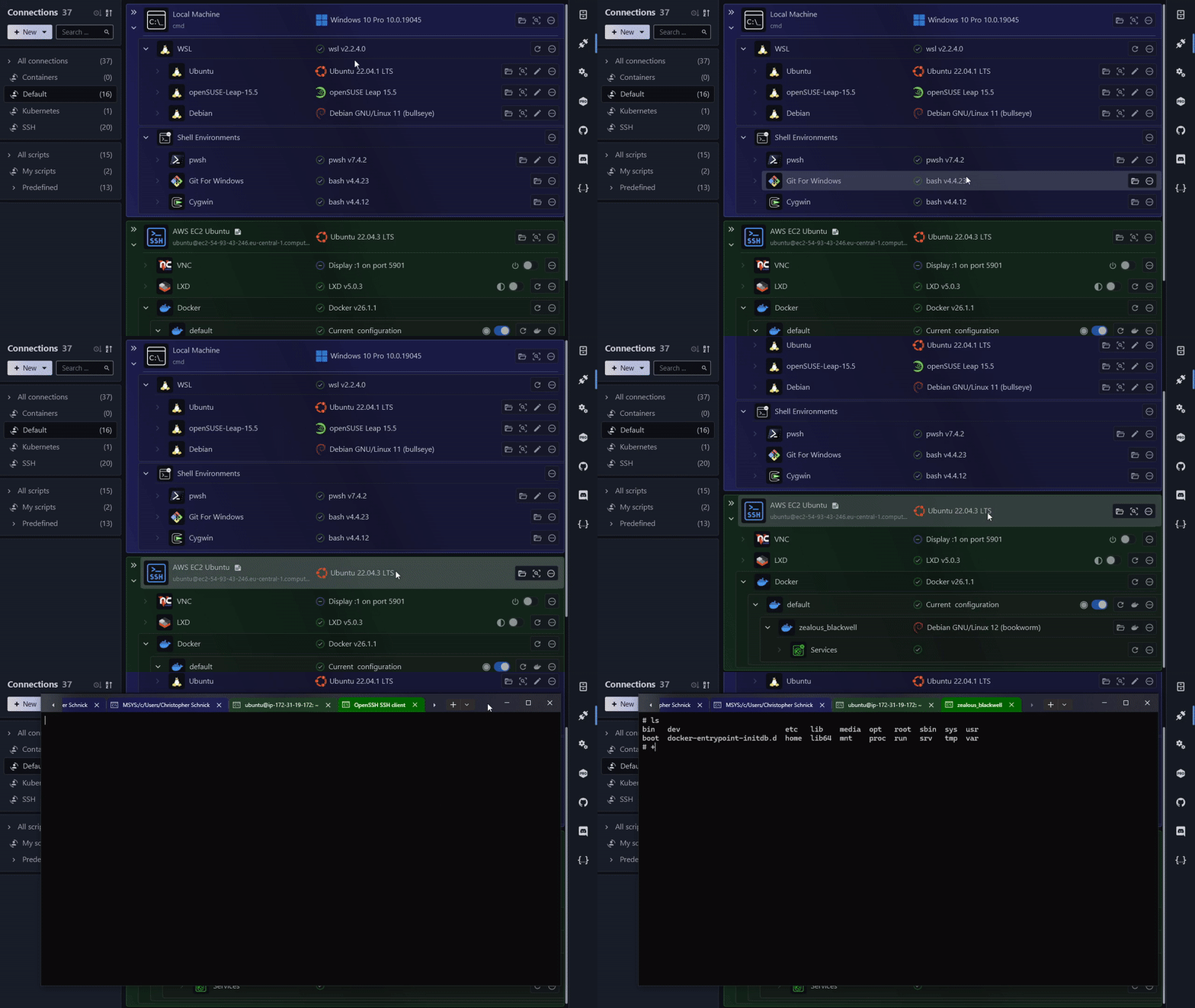
XPipe is a new kind of shell connection hub and remote file manager that lets you access your entire server infrastructure from your local machine. It builds on the command-line programs you already have installed, requiring no setup on remote systems. So if you normally use CLI tools such as ssh, docker, or kubectl to connect to servers, you can use XPipe directly on top of them.
XPipe integrates fully with your tools, including your favorite text/code editor, terminal, shell, and command-line tools. The platform is designed to be extensible, so anyone can easily add support for more tools or implement custom features through its modular extension system.
XPipe currently supports:
- SSH connections, configuration files, and tunnels
- Docker, Podman, LXD, and incus containers
- Proxmox PVE virtual machines and containers
- Hyper-V, KVM, VMware Player/Workstation/Fusion virtual machines
- Kubernetes clusters, Pods, and containers
- Tailscale and Teleport connections
- Windows Subsystem for Linux, Cygwin, and MSYS2 environments
- Powershell remote sessions
- RDP and VNC connections
Connection Hub
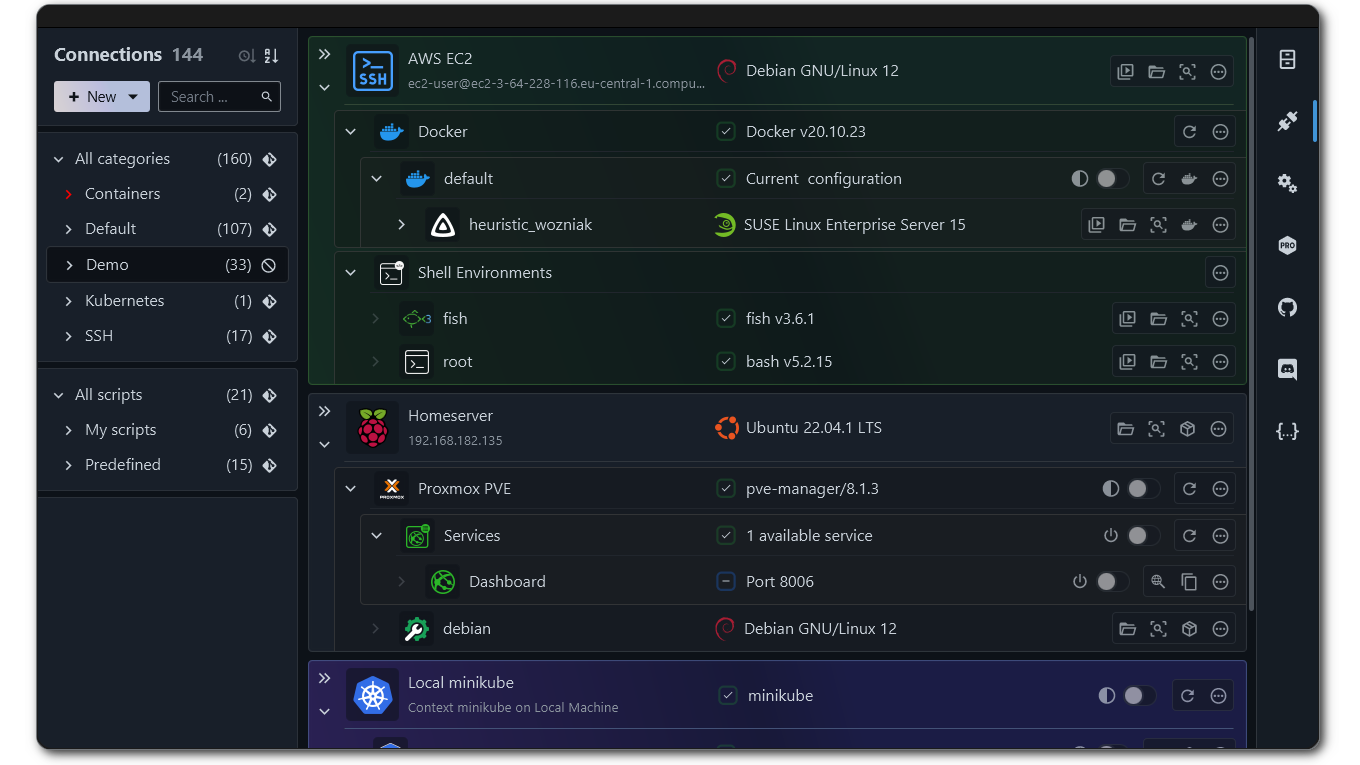
- Easy connection and access: Easily connect to and access various remote systems in one place.
- Organize connections: Organize all your connections into hierarchical categories to easily manage hundreds of connections.
- Create tailored login environments: Create tailored login environments on any system so you can immediately enter an environment configured for each use case.
- Quickly perform common actions: Quickly perform common actions such as starting/stopping containers and creating tunnels.
- Create desktop shortcuts: Create desktop shortcuts that automatically open remote connections in a terminal without opening any graphical interface.
Powerful File Management
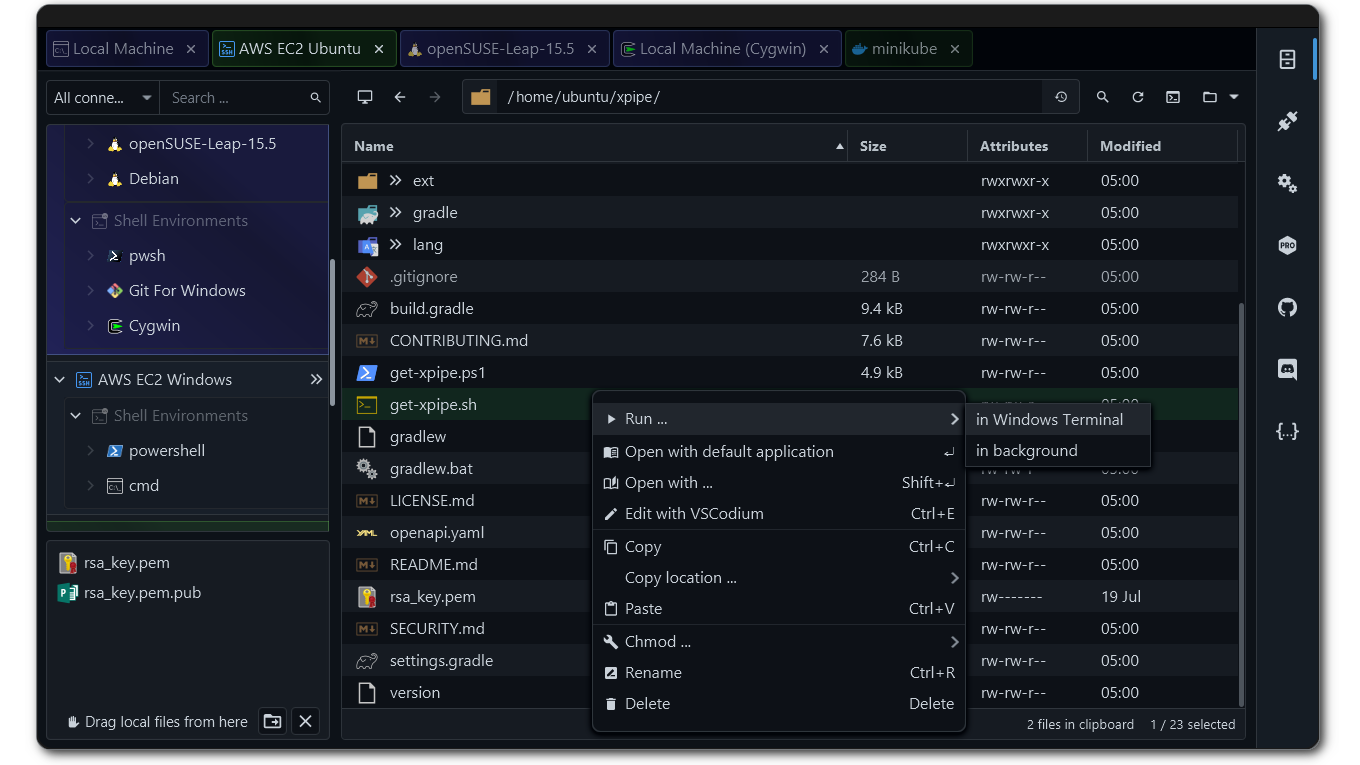
- Professional workflows: Interact with any remote system's filesystem using workflows optimized for professionals.
- Quickly open terminal sessions: Quickly open a terminal session in any directory using your favorite terminal emulator.
- Use local programs: Open and edit remote files with any locally installed program.
- Elevate privileges dynamically: Elevate session privileges with sudo when needed, without restarting the session.
- Transfer files seamlessly: Transfer files seamlessly to and from your desktop environment.
- Work across multiple systems: Use built-in tabbed multitasking to work and transfer files across multiple systems simultaneously.
Terminal Launcher
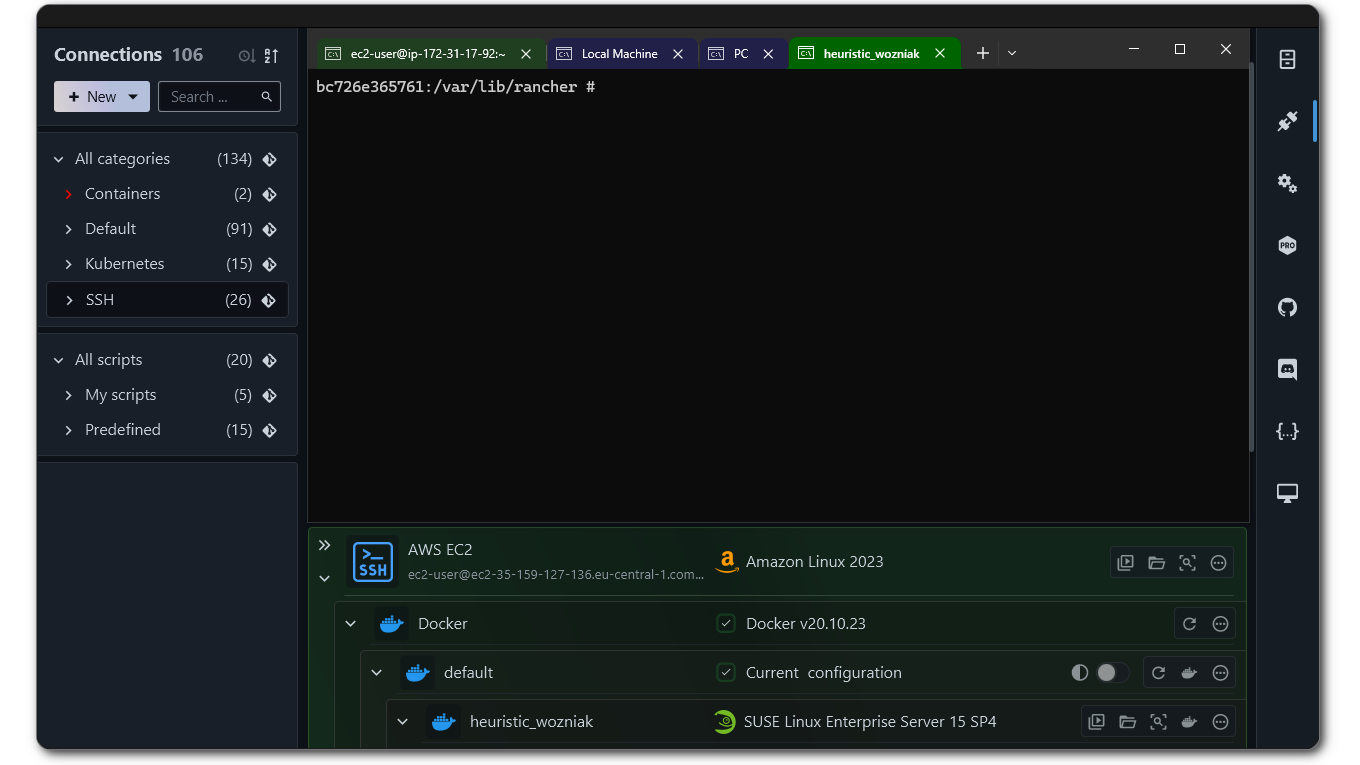
- One-click launch: Launch a shell session in your favorite terminal with one click. Automatically fill in password prompts and more.
- Cross-platform support: Supports popular terminal emulators on all operating systems.
- Custom terminal support: Open custom terminal emulators through custom command-line configurations.
- Support for multiple shells: Supports all shells, including bash, zsh, cmd, and PowerShell, both locally and remotely.
- Fast connections: Connect to a system as soon as the terminal launches, enabling faster connections than other methods.
Versatile Scripting System
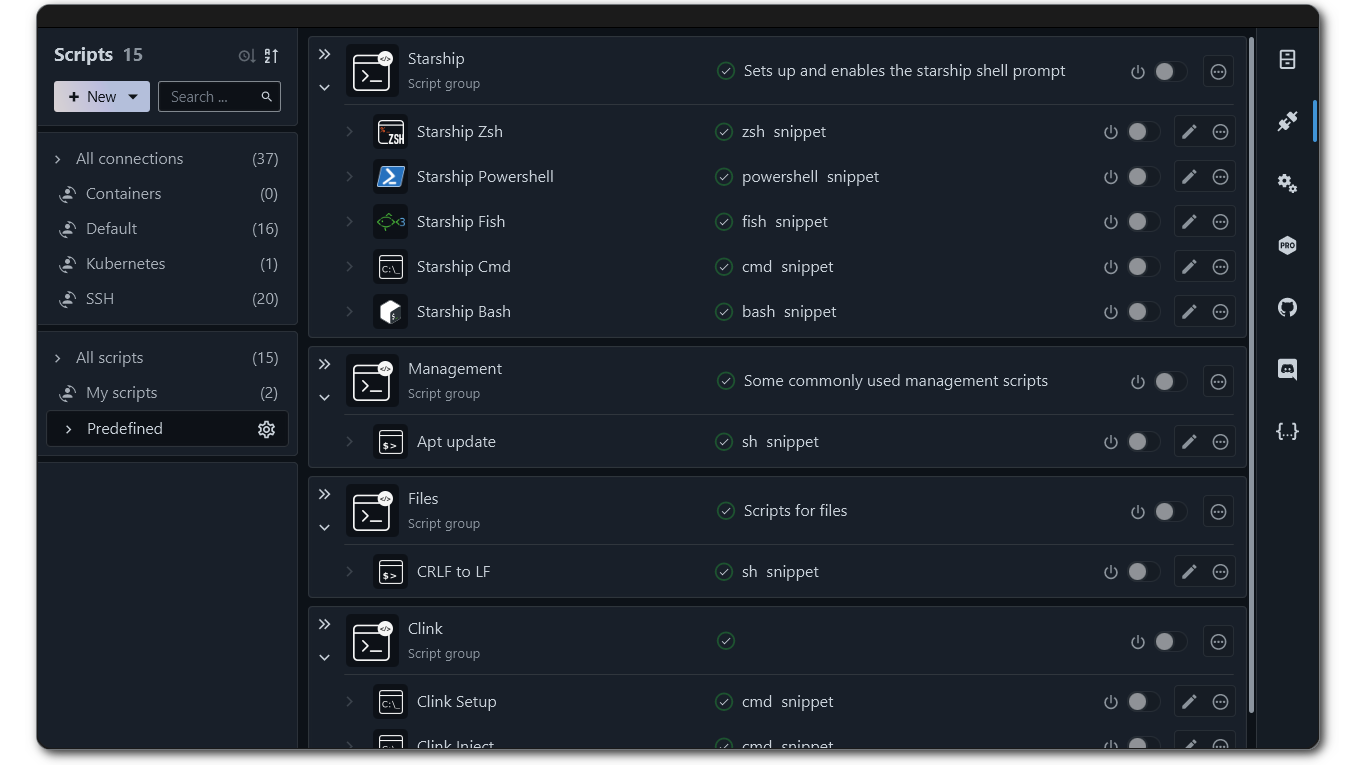
- Create reusable scripts: Create reusable simple shell scripts, templates, and groups on connected remote systems.
- Automatically add scripts to PATH: Automatically add your scripts to PATH on any remote system without any setup.
- Customize your working environment: Configure shell initialization for connections to fully customize your working environment for different needs.
- Custom shells and connections: Open custom shells and custom remote connections by providing your own commands.
Secure Vault
- Local encrypted storage: All data is stored only in an encrypted, secure vault on your local system. You can add an extra layer of encryption security with a custom master password.
- Automatic password management: XPipe can automatically retrieve secrets from your password manager through its command-line interface.
- Serverless architecture: No servers are involved; all information stays on your system. The XPipe application does not send any personal or sensitive information to external services.
- Team collaboration: Multiple team members across multiple systems can push and pull vault changes to and from your own remote git repository.
About Synchronization
XPipe can synchronize all connection configuration data across multiple installations. It uses your own remote Git repository for this. You can sync with this repository from all your XPipe application instances.
Every change made in an instance is reflected in the repository. This approach gives you full control over your data, since you are free to choose how and where to host the repository.
First, create a remote repository with your preferred Git provider. This repository must be private. Then copy and paste its URL into XPipe's remote repository settings.
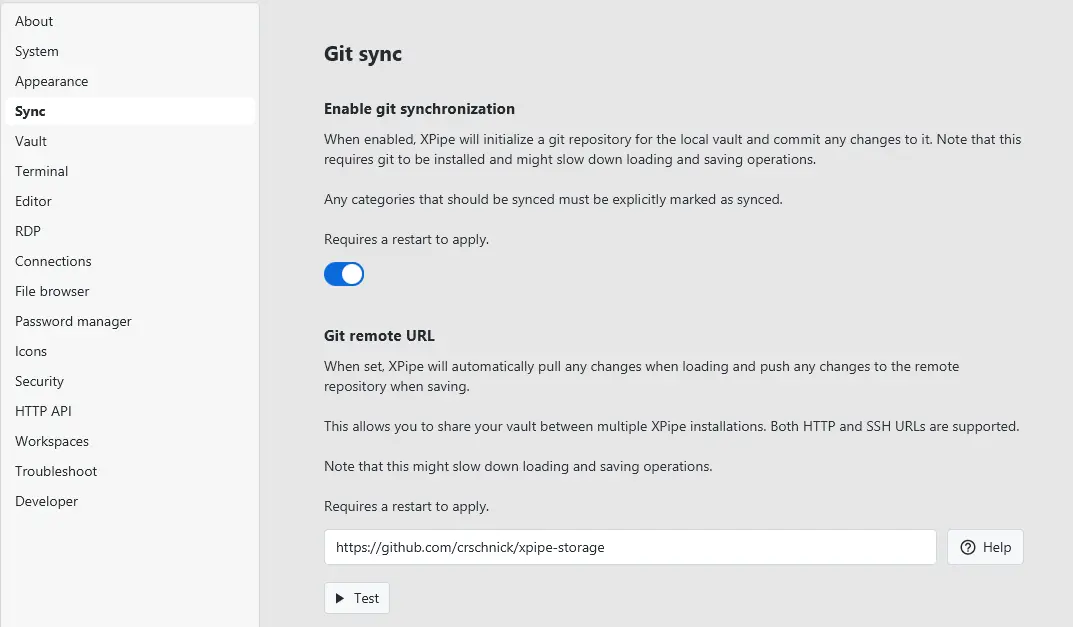
Make sure your repository's visibility is set to private to prevent data leaks. You do not need to link a remote repository. Even without one, enabling git synchronization will create and maintain a local repository. This can be useful if you want to keep a local history.
Full synchronization documentation: https://docs.xpipe.io/guide/sync
Comments 0