
Deploy Certificates to edgeone on Tencent Cloud's International Site with certimate
This post was translated from Chinese by AI. If anything reads oddly, the Chinese original is authoritative. 中文原文
Tencent Cloud's international site recently ran a promotion offering free CDN-Edgeone, and I got two redemption codes through official channels. Unfortunately, I couldn't complete identity verification for one of the accounts, so I can only use one account going forward.
I signed up with google oauth, and the region defaulted to Australia. It requires Australian identity documents, and the region can't be changed. Seriously?
Anyway, someone submitted a PR to add international site support to certimate, so I pulled the code right away to try it out. Here's the tutorial.
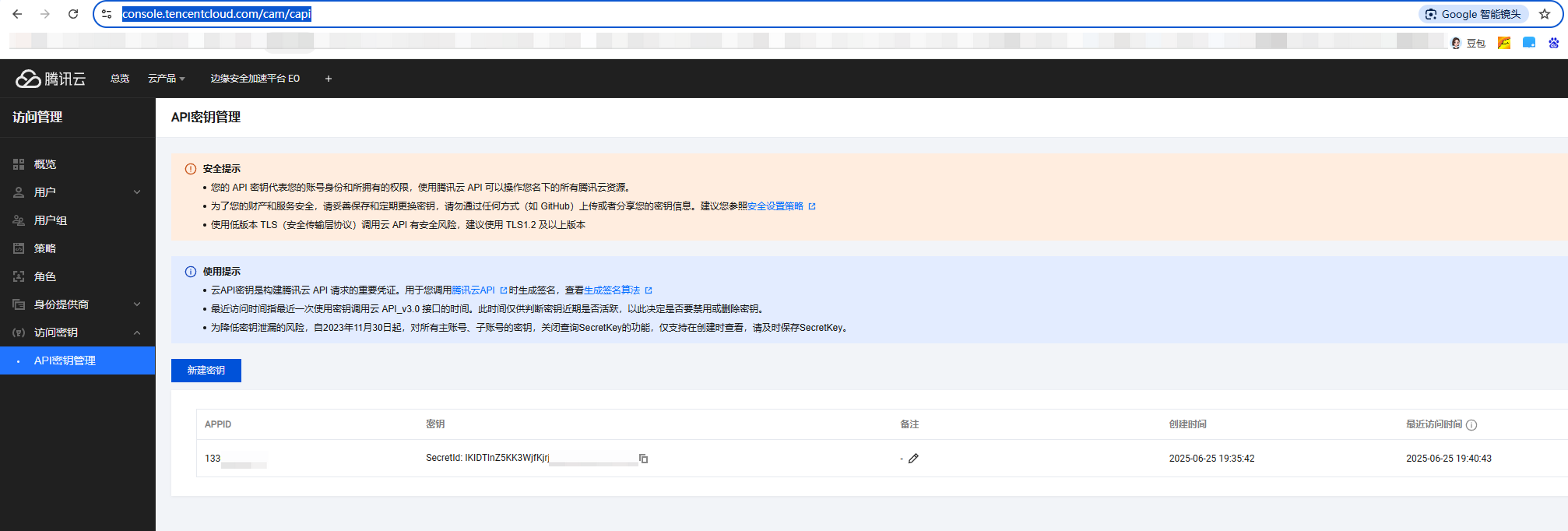
Generate an id and key on Tencent Cloud's international site
URL: https://console.tencentcloud.com/cam/capi
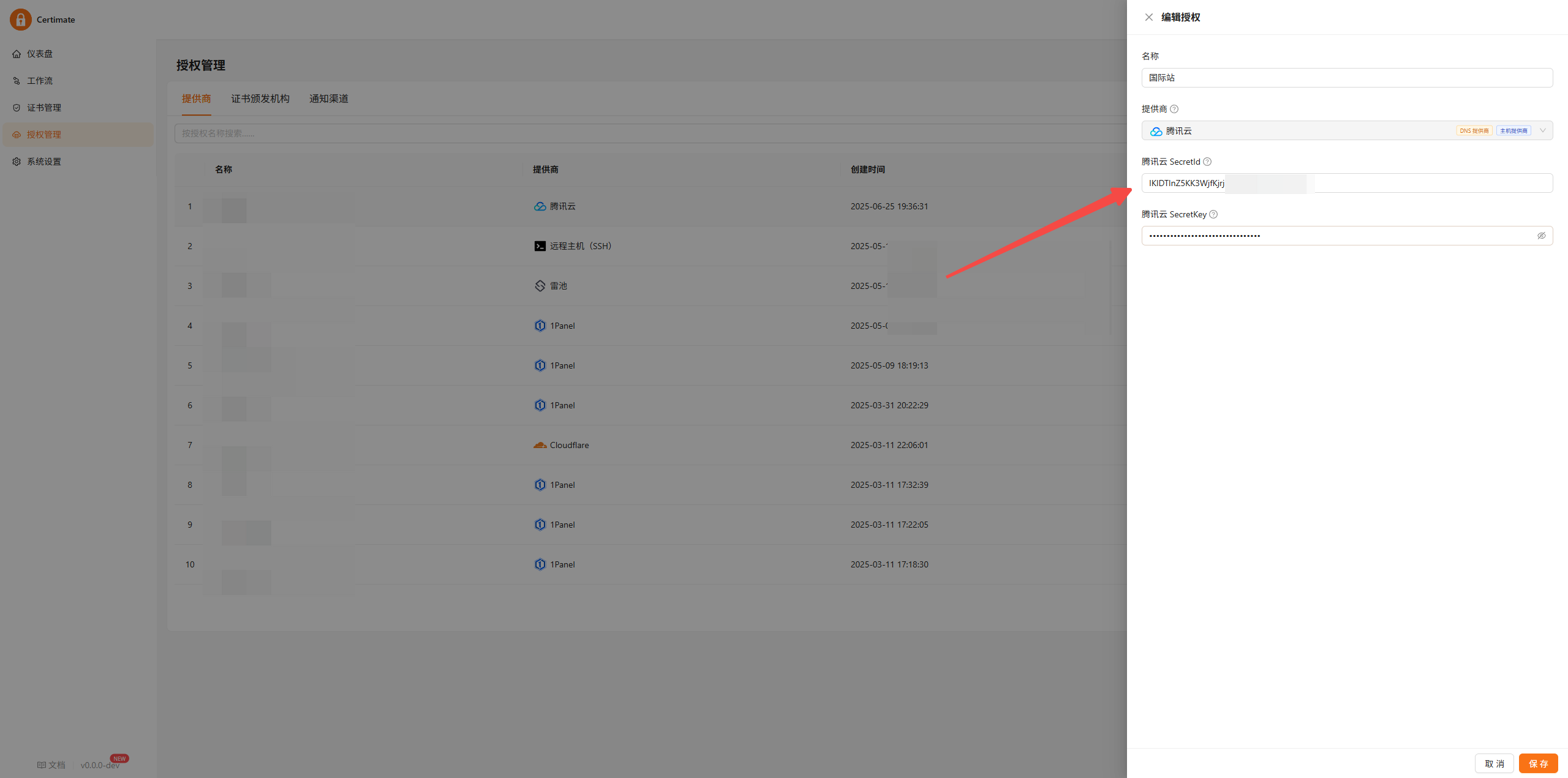
Add new credentials in certimate
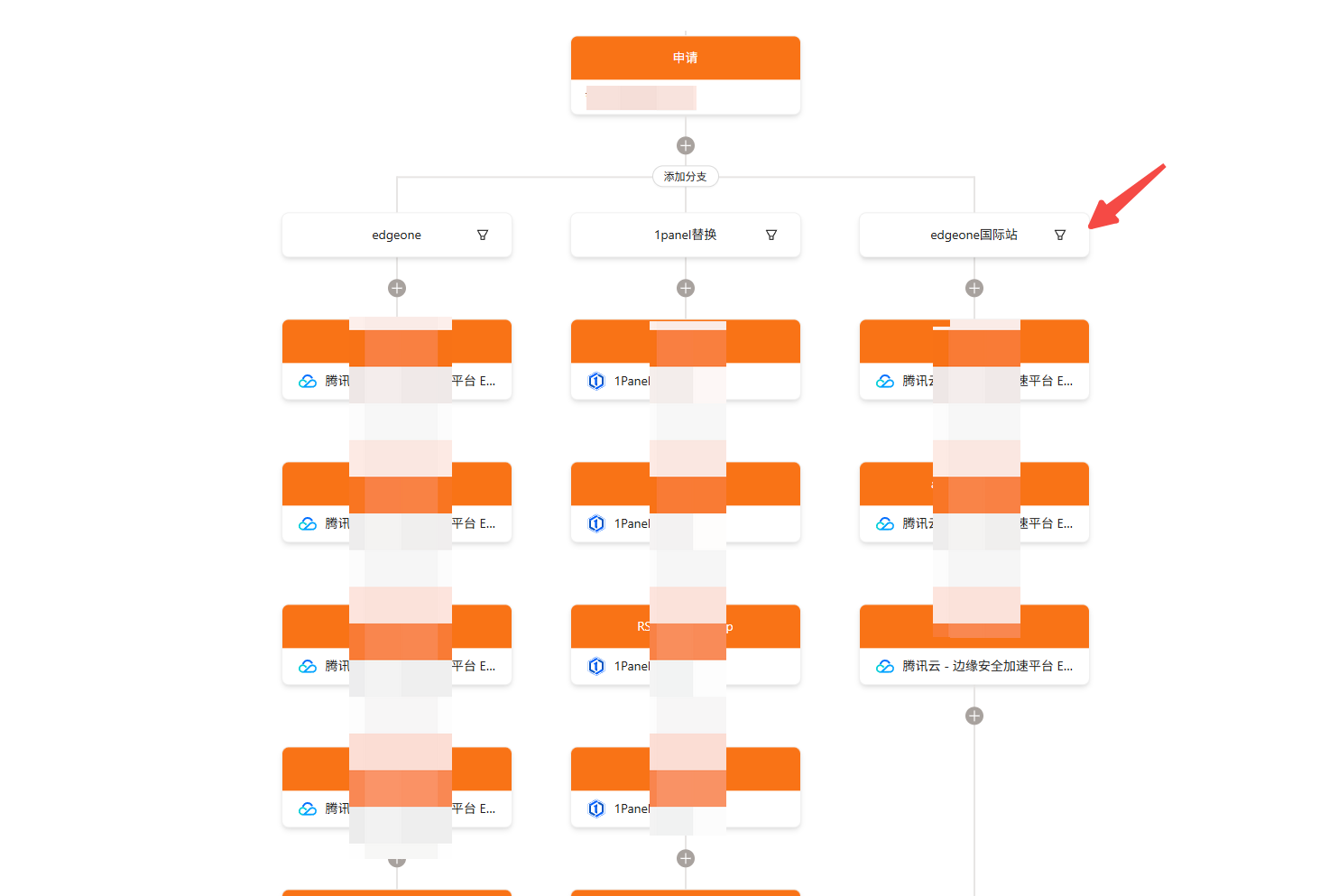
Add a deployment node to the workflow
Enter teo.tencentcloudapi.com in the port field
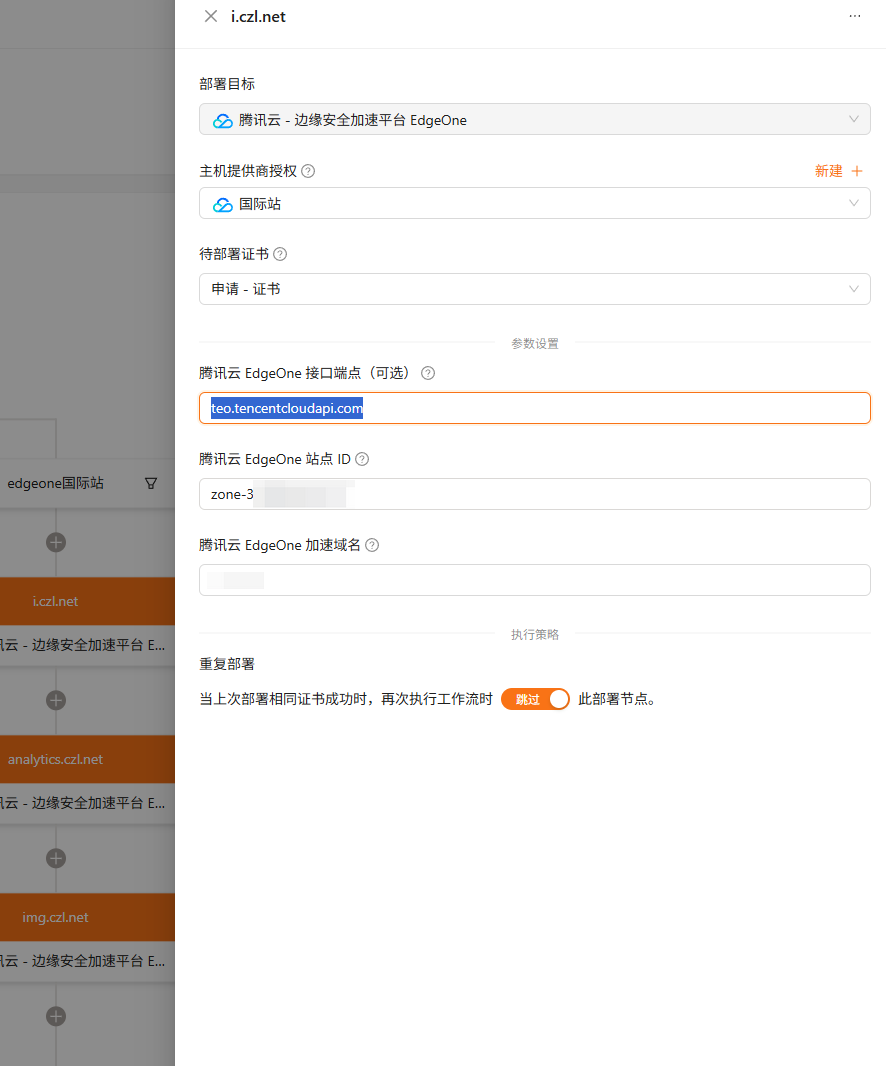
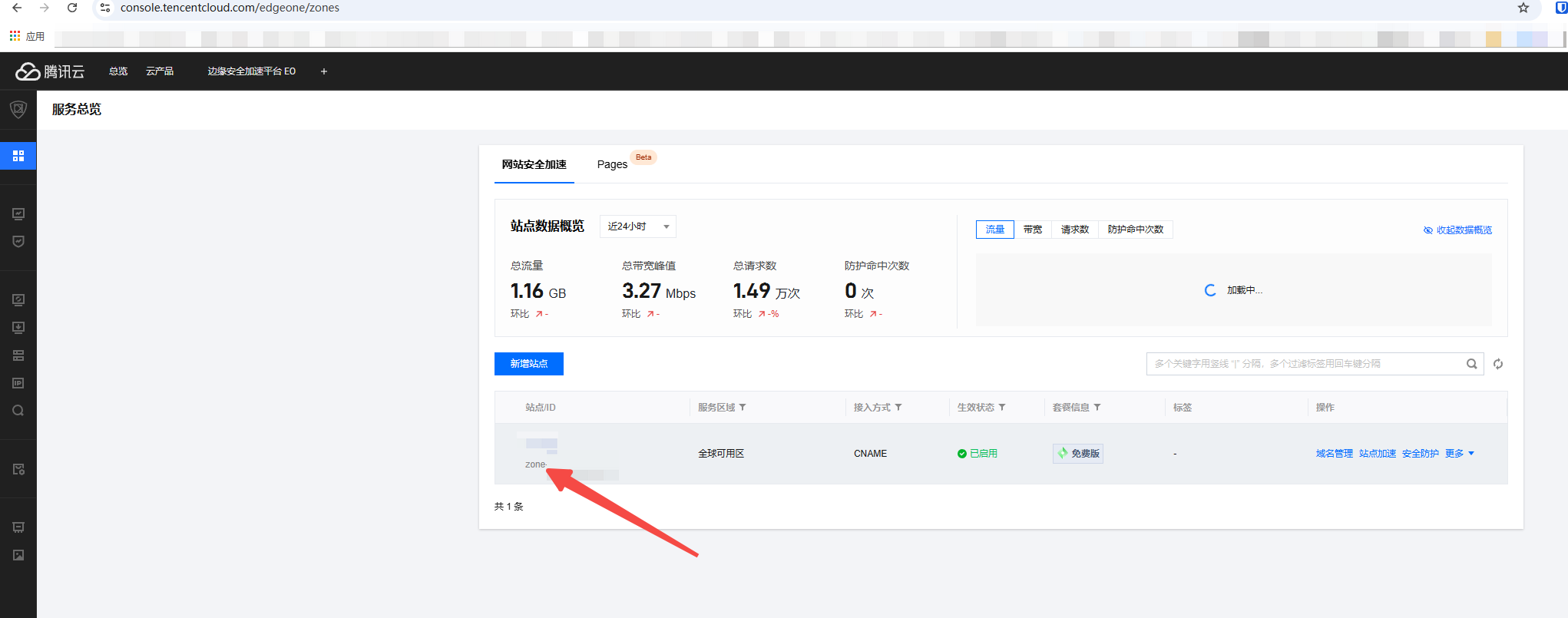
Get the site ID here
URL: https://console.tencentcloud.com/edgeone/zones
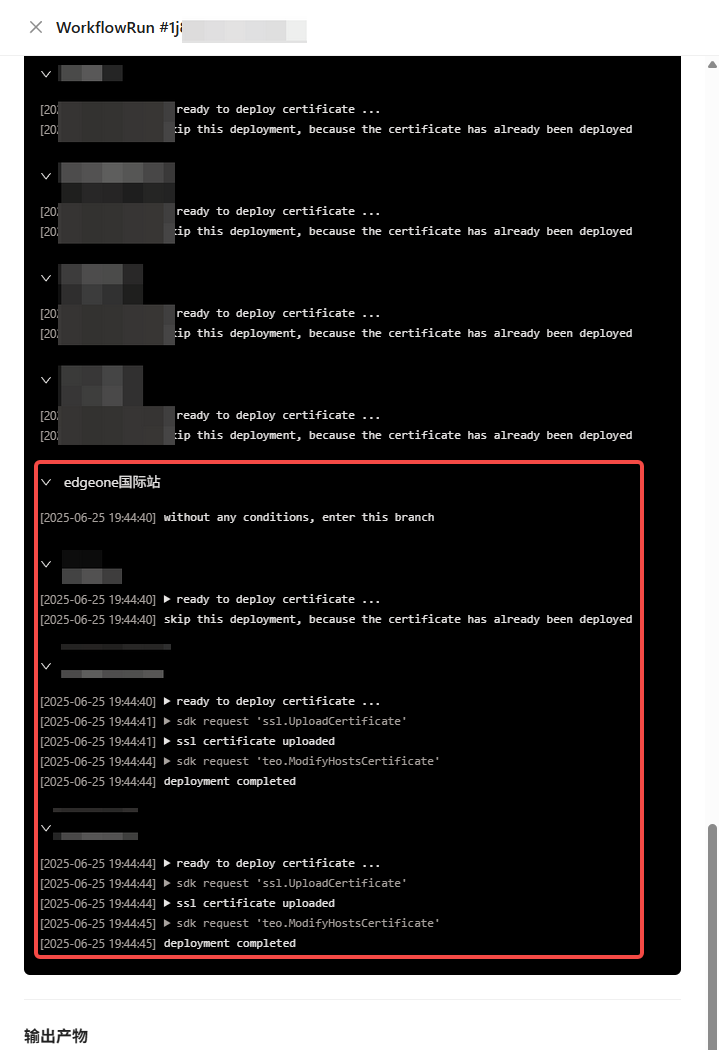
Done
Comments 0