
Fix Third-Party Repository and Invalid Location Errors in Xpenology DS3617xs 6.1 and 6.2 Package Center
This post was translated from Chinese by AI. If anything reads oddly, the Chinese original is authoritative. 中文原文
First, the cause:
Let’s Encrypt’s old root certificate has expired, but Xpenology updates are slow, so the new certificate is missing.
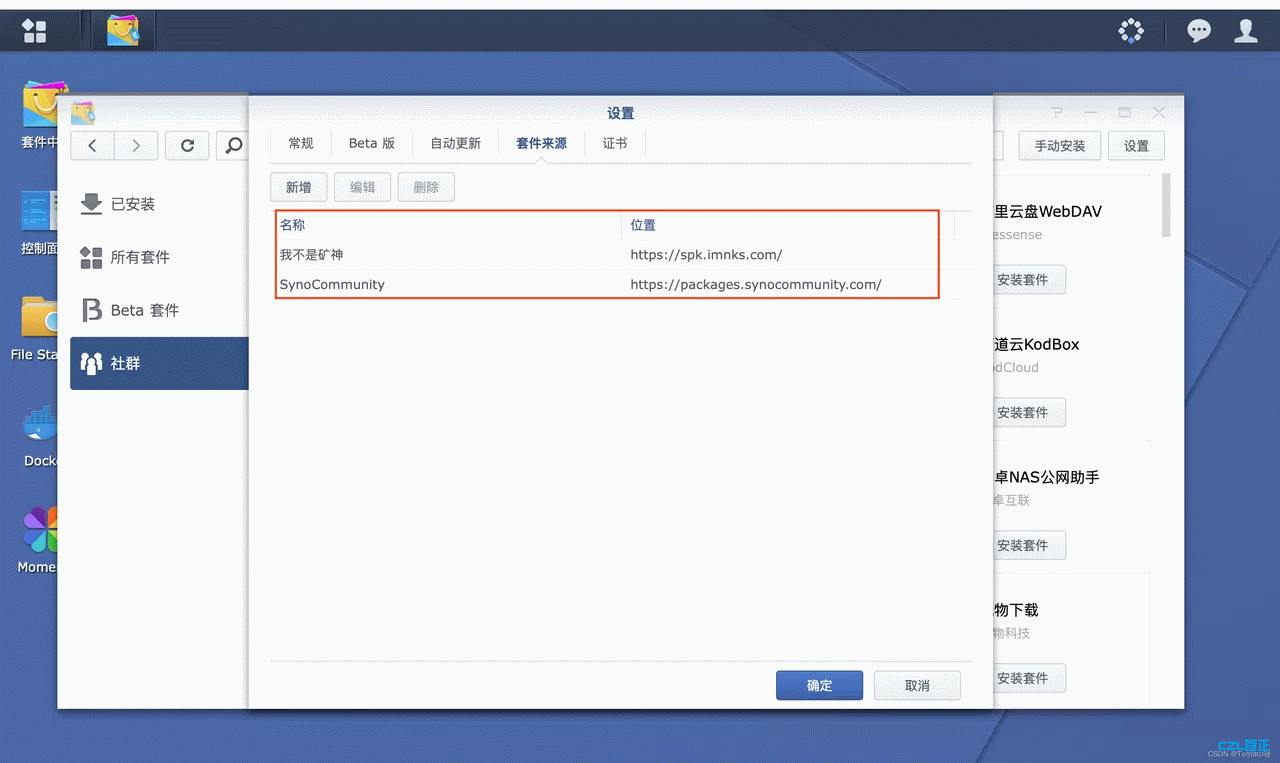
The fix:
You need to update it manually. First, enable SSH access in DSM ( Control Panel > Terminal & SNMP ), then log in via SSH and enter the following command:
sudo mv /etc/ssl/certs/ca-certificates.crt /etc/ssl/certs/ca-certificates.crt.bak && sudo curl -Lko /etc/ssl/certs/ca-certificates.crt https://curl.se/ca/cacert.pem
Once the update is complete, try adding it again. This should resolve the “Invalid location” error.
Note: This replaces the certificates bundled with older versions of DSM with certificates obtained from Mozilla (since this involves certificates, proceed at your own risk. curl.se is the official website of the well-known curl tool.
Last updated 2025-06-25
Comments 0