
How to Set the Redis Host, Password, and Key Prefix for WordPress Redis Object Cache in 1panel
This post was translated from Chinese by AI. If anything reads oddly, the Chinese original is authoritative. 中文原文
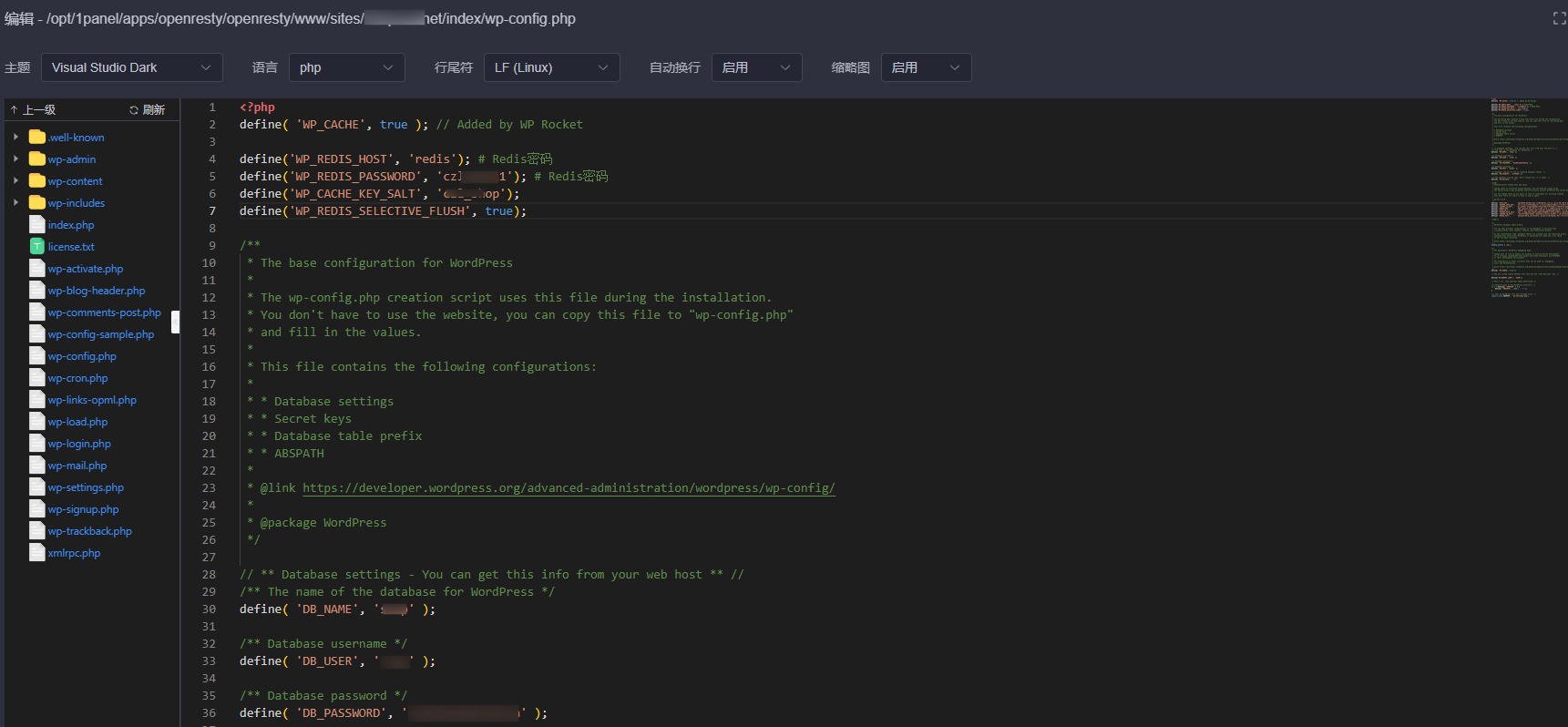
Add the following code at the very beginning of wp-config.php
define('WP_REDIS_HOST', 'redis'); # Redis connection host; use redis in 1panel, or the corresponding host for an external Redis instance
define('WP_REDIS_SCHEME', 'tcp'); # Connection scheme; usually tcp, no need to change it
define('WP_REDIS_PORT', '6379'); # Redis connection port; the default is 6379
define('WP_REDIS_PASSWORD', 'redis密码'); # Redis password
define('WP_REDIS_DATABASE', '0');  # Redis database; the default is 0
define('WP_CACHE_KEY_SALT', 'redis_key'); # Unique Redis key prefix; choose your own, with underscores supported to distinguish sites and prevent cache conflicts
define('WP_REDIS_SELECTIVE_FLUSH', true); # When flushing the cache, clear only the current site's cache
As shown below:
Comments 0