
Honeywell Label Printer Paper Calibration
This post was translated from Chinese by AI. If anything reads oddly, the Chinese original is authoritative. 中文原文
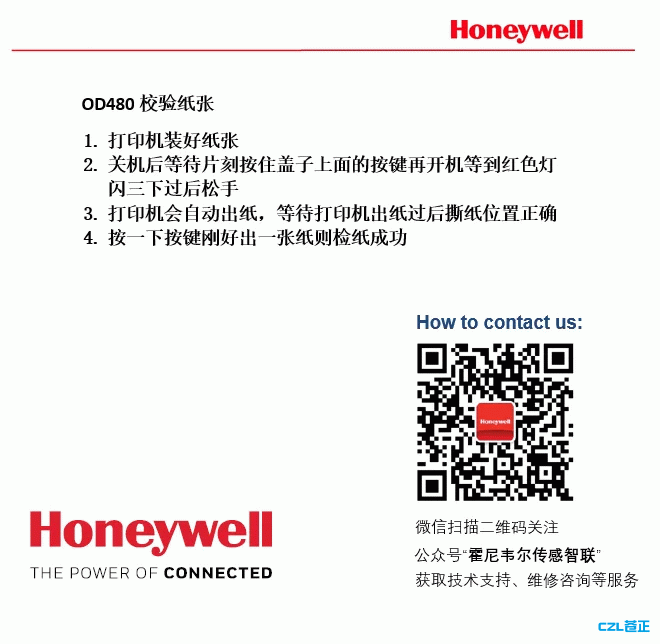
OD480 Paper Calibration
- Load paper into the printer
- Turn off the printer and wait a moment, then hold down the button on the cover and turn it back on. Release the button after the red light flashes three times
- The printer will feed paper automatically. Wait until it finishes and check that the tear-off position is correct
- Press the button once. If exactly one sheet feeds out, paper calibration is successful
Last updated 2024-01-14
Comments 0